Zapier automation for the tools you already use
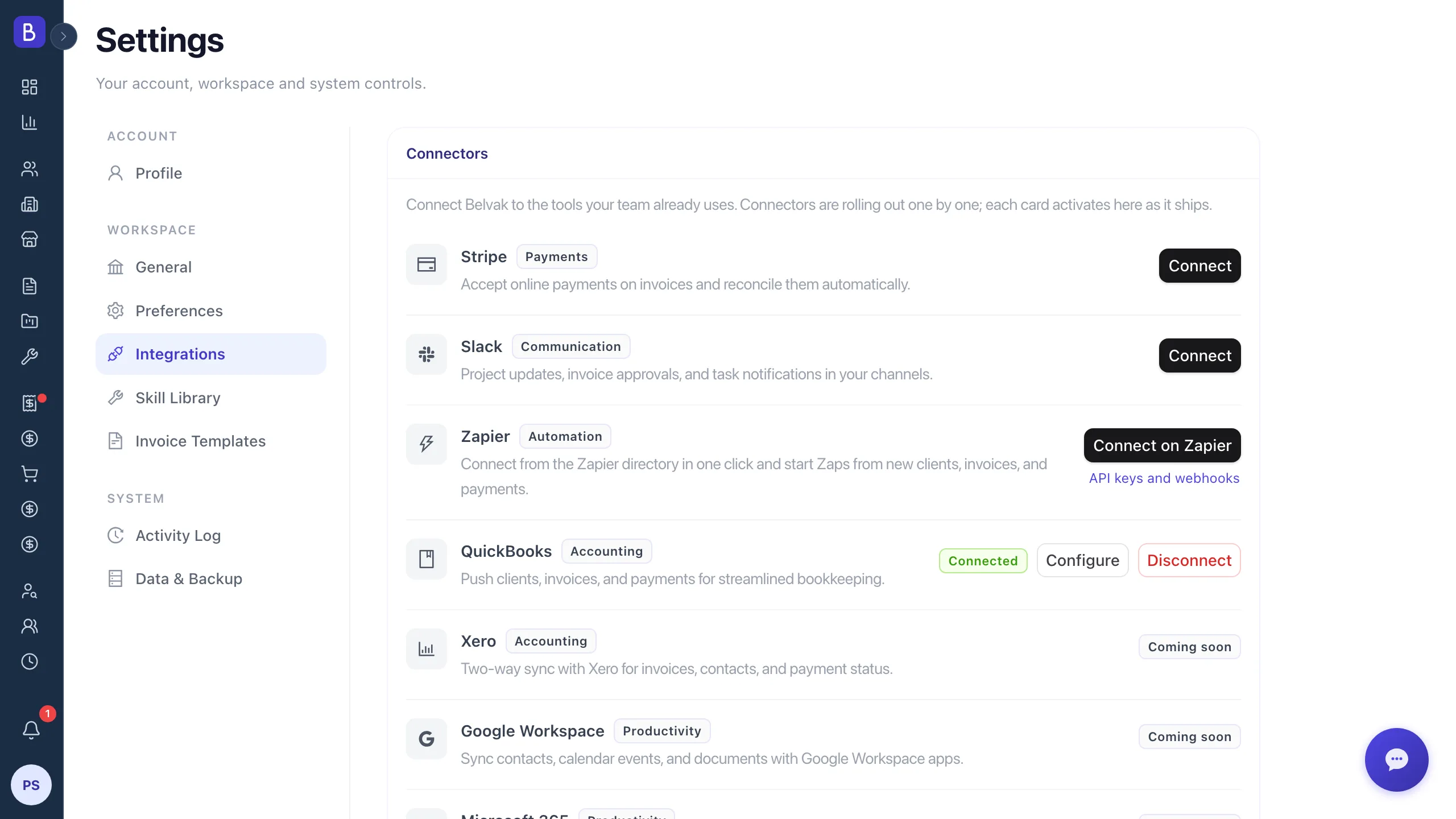
Find Belvak in the Zapier directory, connect your workspace with a click, and wire it to the other 9,000+ apps you already run on. No API key, no code. Available on the Professional plan.
3
Belvak triggers that can start a Zap
3
Belvak steps a Zap can run
0
API keys to copy or paste
0
lines of code, on either side
Capabilities
Connect it once, then forget about it
Belvak is in the Zapier directory, so there is nothing to install and no key to look after. Approve the workspace once and your triggers and actions are ready to use.
Connect once, with a click
Search for Belvak in Zapier, click Connect, and approve the workspace you want to automate. Belvak signs you in with OAuth, so there is no API key to generate, copy, or keep safe. Revoke it any time from Settings, Integrations.
Triggers: start a Zap from Belvak
New Client, New Invoice, and New Payment. Pick one as the first step of a Zap and Belvak hands Zapier the new record with its fields already named and typed, ready to drop into whatever comes next.
Actions: write back into Belvak
Create Client and Create Invoice write new records into your workspace. Find Client looks one up by name or email, so a Zap can check whether someone already exists before it creates anything.
On the Professional plan
The Belvak API sits behind the Professional plan, so the workspace you connect needs to be on Professional or higher. On Zapier's side, a free account is enough to build and run a two-step Zap.
A closer look
Work out, work back
Triggers carry new Belvak records out to the rest of your stack. Actions let a Zap put work back in. Between them you can close the loop without opening Belvak.
Triggers
New work, straight into Zapier
Pick Belvak as the first step of a Zap and choose New Client, New Invoice, or New Payment. Belvak checks for new records on a schedule and starts the Zap once for each one it finds, handing over the fields already named and typed so you can drop them straight into the next step.
- New Client fires when a client is added to your workspace
- New Invoice fires when an invoice is raised on a project
- New Payment fires when a payment is recorded against an invoice
- Fields arrive already named and typed, so no parsing step is needed
Actions and lookups
Create and find records from a Zap
Create Client and Create Invoice add records to your workspace, with referral partners and projects offered as dropdowns rather than ids you have to look up. Find Client searches by name or email, which is how most Zaps check whether someone already exists before creating anything.
- Create Client adds a client, with the referral partner as a dropdown
- Create Invoice raises an invoice against a project you pick from a list
- Find Client looks a client up by name or email address
- Pair Find Client with a create step so a Zap never makes a duplicate
How it works
Four steps from search to running Zap
01
Search for Belvak
Start a Zap in Zapier and search for Belvak. It appears alongside every other app in the directory.
02
Connect your workspace
Click Connect and approve access. Belvak signs you in and links the workspace you choose. No key to copy.
03
Pick a trigger, action, or search
Choose New Client, New Invoice, or New Payment to start a Zap, or add Create Client, Create Invoice, or Find Client as a later step.
04
Turn the Zap on
Belvak keeps Zapier up to date and answers every request, so your workflow runs on its own from here.
FAQ
Common questions about connecting Zapier
Is there a Belvak app in the Zapier directory?
Yes. Search for Belvak when you add a step to a Zap and it comes up like any other app. There is nothing to install, no API key to generate, and no webhook to register by hand.
Which plan do I need?
The Belvak API is a Professional plan feature, so the workspace you connect needs to be on Professional or higher. On Zapier's side a free account is enough for a two-step Zap, and their paid plans add multi-step Zaps and faster polling.
What can start a Zap?
Three triggers: New Client, New Invoice, and New Payment. Each one checks your workspace on a schedule and starts the Zap once for every new record it finds, with all the fields already named and typed.
What can a Zap do inside Belvak?
Create Client and Create Invoice add records to your workspace. Find Client searches by name or email address and returns the match, which is the usual way to avoid creating a client you already have.
How do I connect without an API key?
Click Connect on the Belvak step and approve the workspace. Belvak signs you in with OAuth and hands Zapier a token scoped to that workspace, so no secret ever passes through the Zap. Disconnect any time from Settings, Integrations.
How quickly does a trigger fire?
Belvak triggers poll for new records, and how often depends on your Zapier plan, from every fifteen minutes on the free tier down to every minute or two on their higher plans. Zapier shows the interval on the Zap itself.
Can I still use webhooks and the raw API?
Yes. Webhooks and API keys are still there and still documented, and they remain the way to reach parts of the API the Zapier app does not cover yet, or to connect Make, n8n, Pipedream, and your own systems. The Zapier app is the shortcut, not a replacement.
Keep exploring
Built on the Belvak API and webhooks
The Zapier app is the quickest way in, and the same API and webhooks underneath it power Make, n8n, Pipedream, and your own systems, all documented in the developer reference.
Automate the busywork
Connect Belvak to Zapier and let your clients, invoices, and payments flow to wherever your team already works.
Free for 1 user. Team access and advanced features require Professional.