Free AI Proposal Generator
Win the work, not the weekend. Describe the project, pick a template, and get a polished, client-ready proposal you can edit and download as a PDF. No signup.
Belvak's free proposal generator is a no-signup web tool that turns a short project brief into a complete, AI-written business proposal. You choose from 12 templates, enter your own pricing so the numbers are always yours, edit every section inline, and download a print-ready PDF with no watermark. It works for agencies, consultants, contractors, and freelancers, and your draft stays in your browser until you download.
AI writes the words
Executive summary, scope, deliverables and timeline, drafted from a short brief.
Your numbers, always
You enter the pricing. The AI never invents a figure or a total.
Edit, then export
Tweak any section, switch templates, and download a clean PDF.
How to write a proposal
Four steps. A few minutes from a blank page to a PDF you can send.
- 1Pick a template
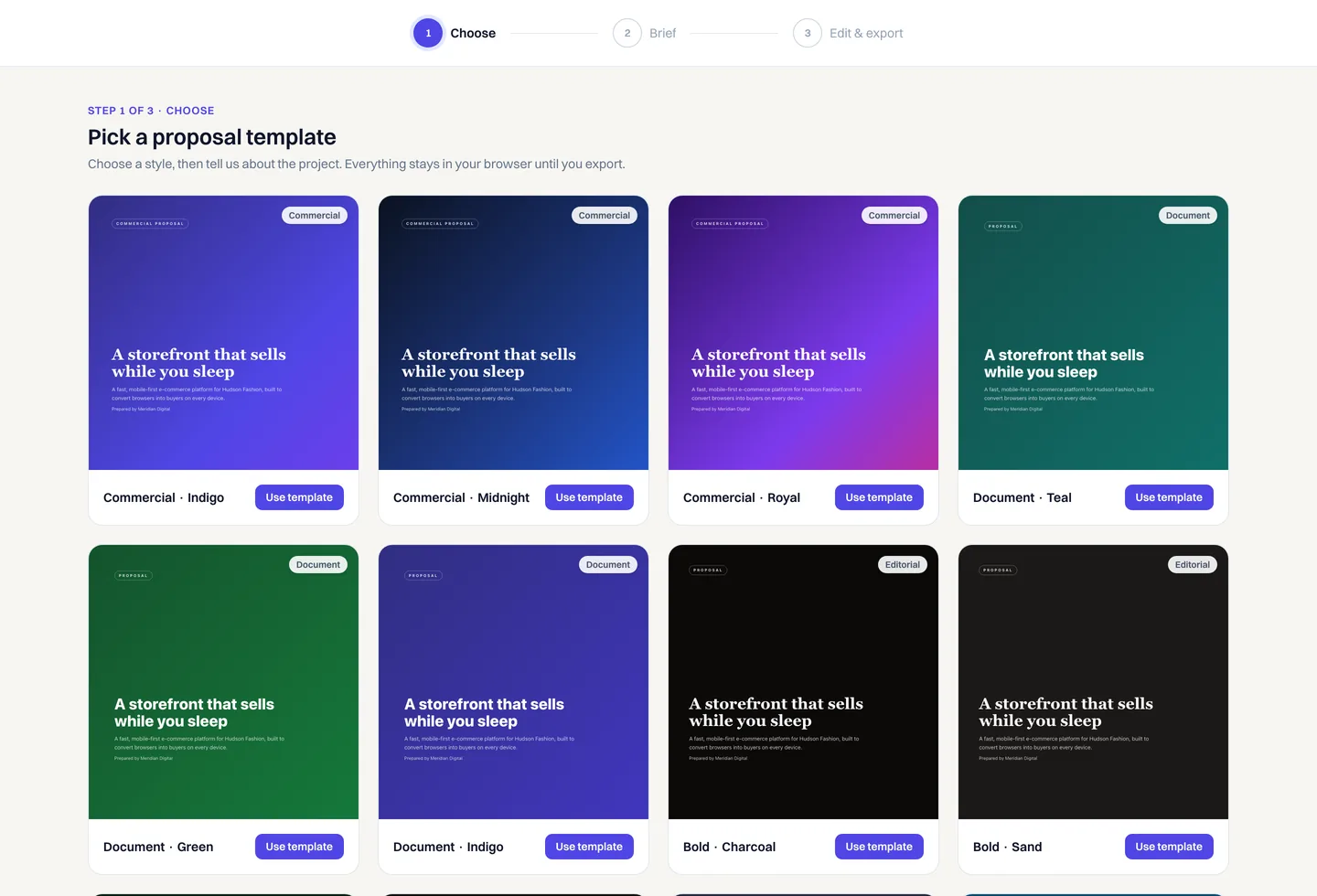
Start from 12 designs, not a blank page
Commercial, document, editorial and minimal styles, each with a live cover preview. Click a card to start, then switch the design later without losing a word.
- Four distinct styles, twelve colorways
- Live cover preview on every card
- Switch templates anytime, your content carries over
- 2Describe the project
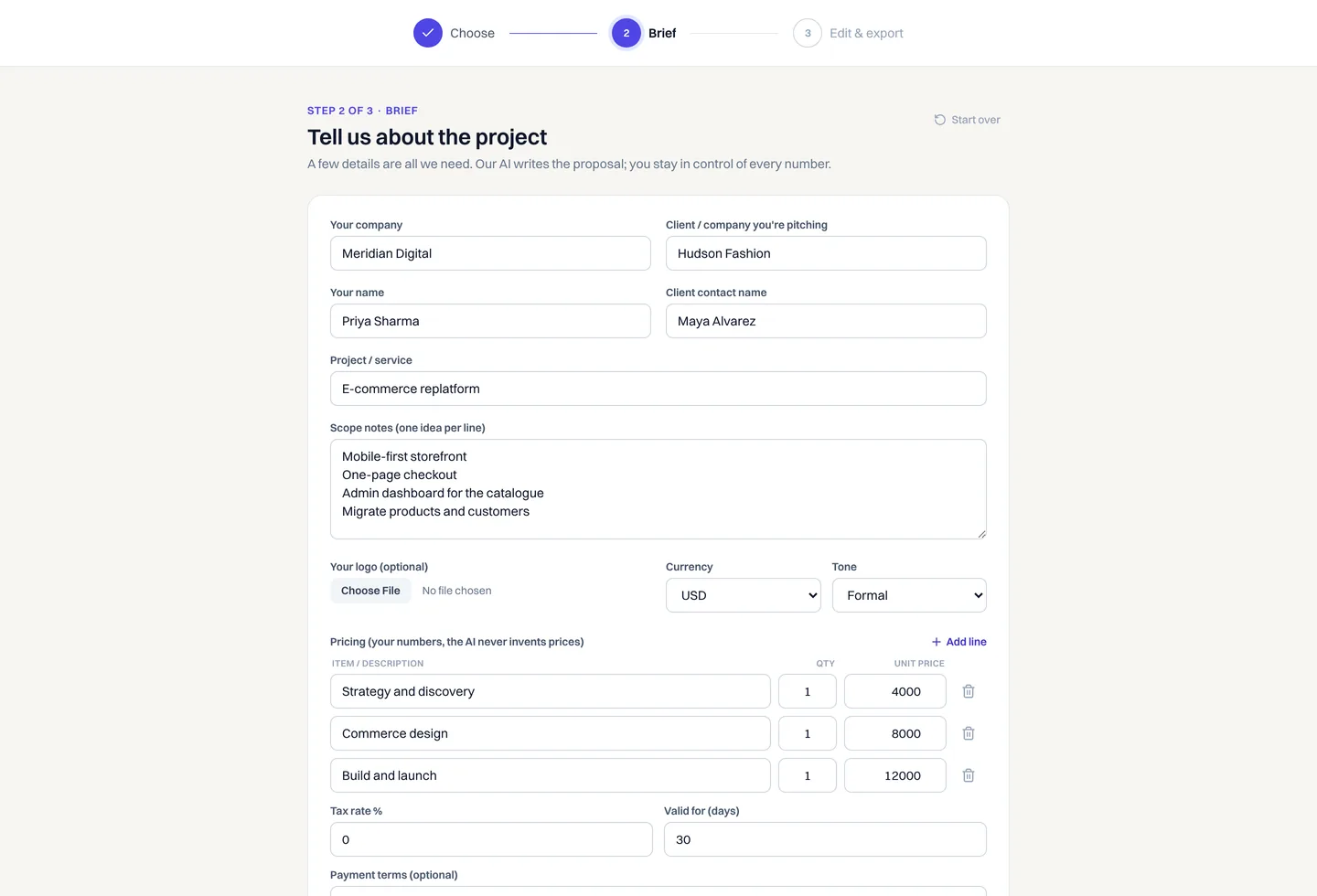
A short brief is all the AI needs
Tell us the client, the project and a few scope notes, then add your pricing. The AI writes the executive summary, scope, deliverables and timeline around the numbers you typed.
- A few lines of scope, not a long questionnaire
- You enter every price, the AI never invents one
- Set your currency, tax rate and tone of voice
- 3Edit inline
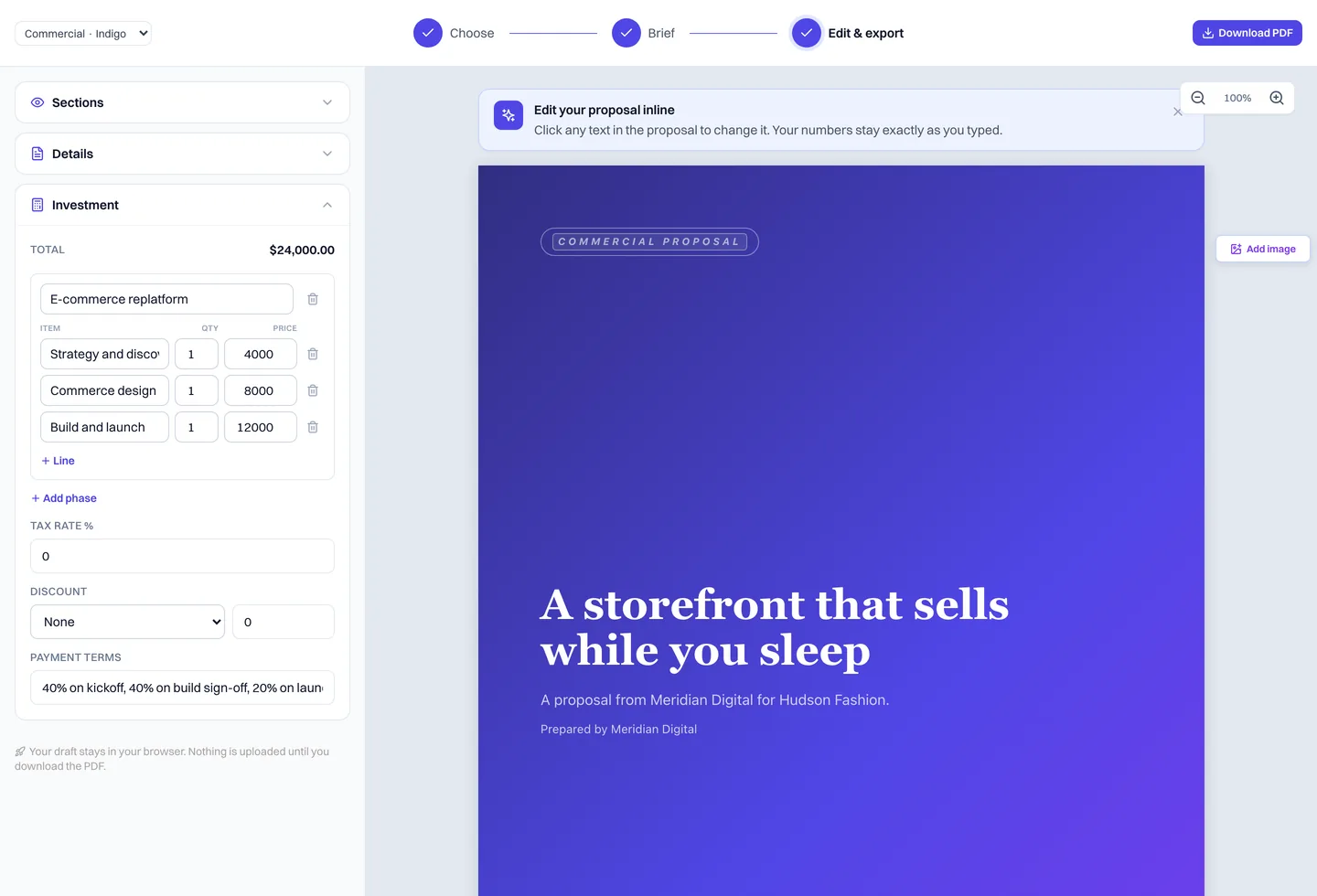
Click any line to make it yours
Every section is editable right on the proposal. Reword the summary, reorder deliverables, show or hide sections, and add line items. The preview is exactly what your PDF will be.
- Edit text in place, with no separate form
- Show or hide sections, add or remove line items
- Upload your logo, it stays in your browser
- 4Download the PDF
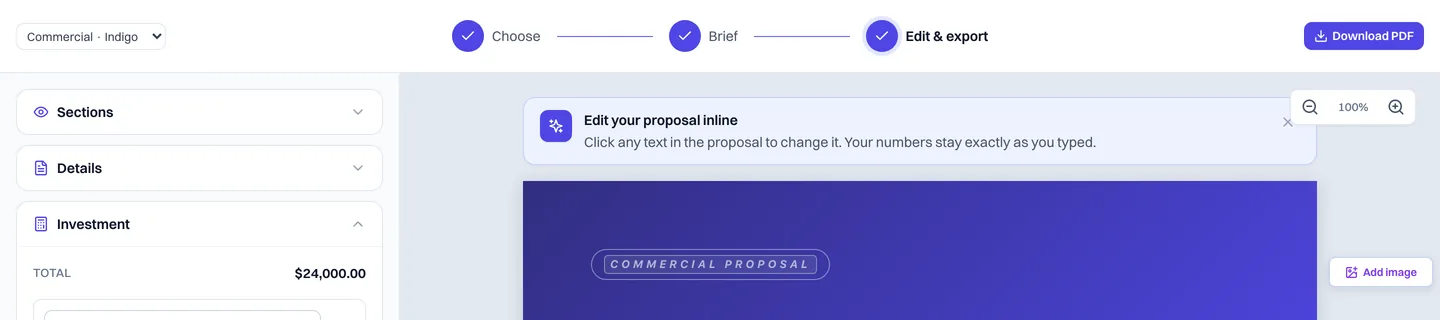
One click for a print-ready proposal
Hit Download PDF and a clean, A4 document saves straight to your device. No watermark, no email gate. Send it from your own inbox or print it for the meeting.
Built with privacy by default
Your proposal stays in your browser. The only things that leave your device are the short brief you submit to write the draft and the finished HTML you send to our PDF renderer when you click download. We don't store either.
- No account or email required
- Drafts saved in your browser's local storage
- You enter every price, tax rate and total, the AI never does
- PDF renders server-side for consistent output, then your data is discarded
- No watermark on exported PDFs
Runs in your browser, exports a clean PDF.
Frequently asked questions
Is this proposal generator really free?
Yes, completely free. No sign-up, no email, no watermark. Your draft stays in your browser until you download the PDF.
Does the AI make up prices?
No. You enter every price, quantity, tax rate and total. The AI only writes the words around your numbers, so the figures in your proposal are always exactly what you typed.
Is my data sent anywhere?
Editing is local to your browser. Two things leave your device when you ask for them: the short brief you submit to write the draft, and the finished HTML you send to our PDF renderer on download. Neither is stored.
Can I edit the proposal after it is generated?
Yes. Every section is editable, you can show or hide sections, switch between templates, and add or remove line items, then download a clean PDF.
Can I add my logo?
Yes. Upload a PNG, JPG or WebP up to 300 KB and it is embedded directly in the PDF.
What happens after I download?
Send the PDF however you like. If you want to track when the client opens it, turn it into a project, and invoice against it, you can do all of that inside Belvak.
What sections does a proposal include?
A complete business proposal usually includes a cover page, an executive summary, the client's problem and goals, your scope and approach, the deliverables, a timeline, transparent pricing, a short team or about section, your terms, and an acceptance section for sign-off. The generator builds all of these for you, and you can show or hide any section in the editor to match the size of the job. Smaller projects often drop the team and timeline sections, while larger engagements keep every part.
What should I put in a business proposal?
Start with a clear summary of the client's problem and the outcome they want, then lay out your proposed approach, the exact scope of work, the deliverables, a realistic timeline, transparent pricing, and your terms. The strongest proposals lead with the client's goals rather than your own company, and make the price easy to understand by tying it to specific deliverables. This free proposal generator structures all of that for you so nothing important is missing.
What is the difference between a proposal, a quote and an estimate?
A quote is a fixed price for clearly defined work, an estimate is an approximate cost that can change as the work is scoped, and a proposal explains the work, the value, and the price together so the client can make a decision. A proposal is the right document when you need to sell an approach, not just hand over a number. This tool writes full business proposals, so you get the context and the pricing in one place rather than a bare figure.
Can I use my own currency and tax rate?
Yes. Choose from common currencies including USD, EUR, GBP, AUD, AED and more, set your own tax rate, and the totals are calculated from the line items you enter.
Can I switch templates without losing my content?
Yes. Use the template switcher in the editor to change the design at any time. Your words and your numbers carry over to the new template.
Is the PDF print-ready?
Yes. Every template exports to a clean A4 PDF that is ready to print or attach to an email, with no watermark.
Does it work for agencies, freelancers and consultants?
Yes. The proposal templates suit agencies, consultants, contractors, freelancers, and small service firms across most industries, from web design and software projects to marketing, maintenance contracts, and professional services. Because you write the scope and set the pricing yourself, the same generator works whether you are quoting a one-off project or an ongoing retainer.
How long should a proposal be?
Long enough to cover the scope and short enough to read in one sitting. Most strong proposals run two to four pages: a cover, a short summary, the scope and deliverables, a timeline, and clear pricing. These templates are built around that length, so you can hide sections to keep a simple job concise or keep them all for a larger engagement.
Can the client sign or accept the proposal?
Each template includes an acceptance section where the client can sign off. If you want to track when a client opens the proposal and accept it online, send it from inside Belvak.
How is this different from a Word or Google Docs template?
With a Word or Google Docs proposal template you still start from a blank page, write every section yourself, and fight with formatting that breaks when you edit. Here you describe the project once, the AI drafts every section around the numbers you enter, and the layout stays consistent no matter how much you change. You also export a clean, print-ready PDF with no watermark in one click, instead of exporting and fixing the spacing by hand.
Ready to win the work?
Generate a proposal now, free. When you are ready to send it, track opens, turn it into a project, and invoice against it, all inside Belvak.