Most client reports fail because they try to prove activity instead of answering the two or three questions a client actually has: is my project on track, will it stay on budget, and what do I need to decide next. A strong report is a focused half-page that answers those first, built from numbers you already have rather than assembled by hand every Friday.
Use this if reporting eats hours you would rather spend on delivery, or if clients skim your updates without ever responding.
What clients actually read
Comprehensive reports feel professional, so service teams default to them: more charts, more detail, more perceived value. In practice, most clients do not want a full picture. They want a fast answer to a small number of questions and treat the rest as noise.
An executive sponsor reads the top of the report and stops. A day-to-day contact wants tasks, timing, and blockers. A finance contact wants billing and payment status. One report can serve all three if the summary answers the executive questions first and the detail sits below for anyone who needs it. Twelve charts where two would do does not impress a busy client. It buries the one thing they needed to see.
The quickest way to find out what your clients read is to ask the ones who respond what they look at first, and to notice which reports never get a reply at all. If half your reports go unanswered every period, that is not indifference. It is a signal that the format is asking too much of the reader.
What to include in a monthly client report
A monthly client report can be one page. Structure it so the reader can scan it in under a minute:
- Status summary: two or three plain sentences on where things stand and whether the timeline still holds.
- Progress: what was completed since the last report.
- What is next: the few things happening before the next report, with anything the client must approve marked clearly.
- Decisions needed: approvals, inputs, or trade-offs waiting on the client, with dates.
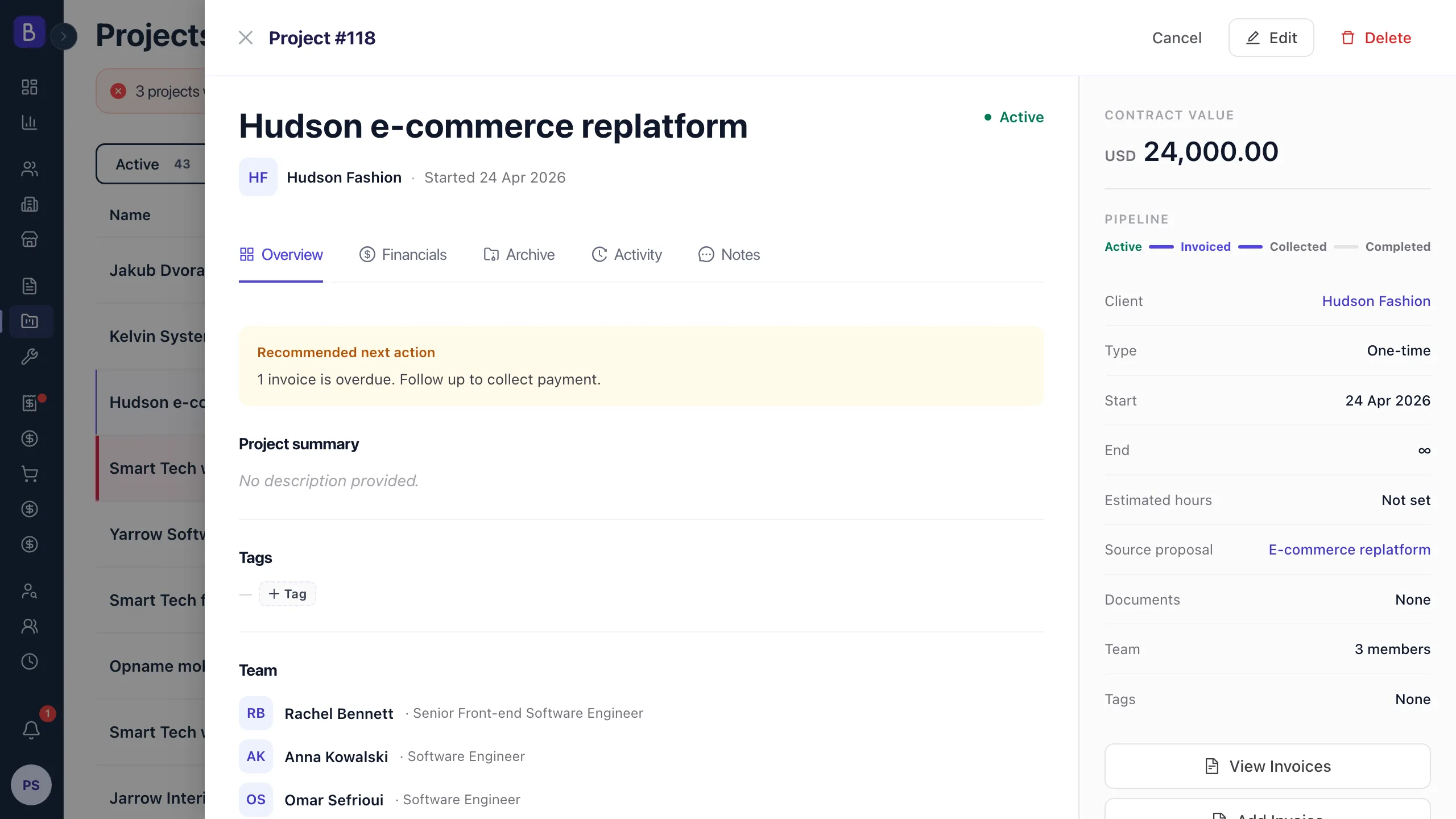
- Budget status: how much is spent against how much work is done, and whether there is any risk of overrun.
- Risks or blockers: include this only when there is something real to flag.
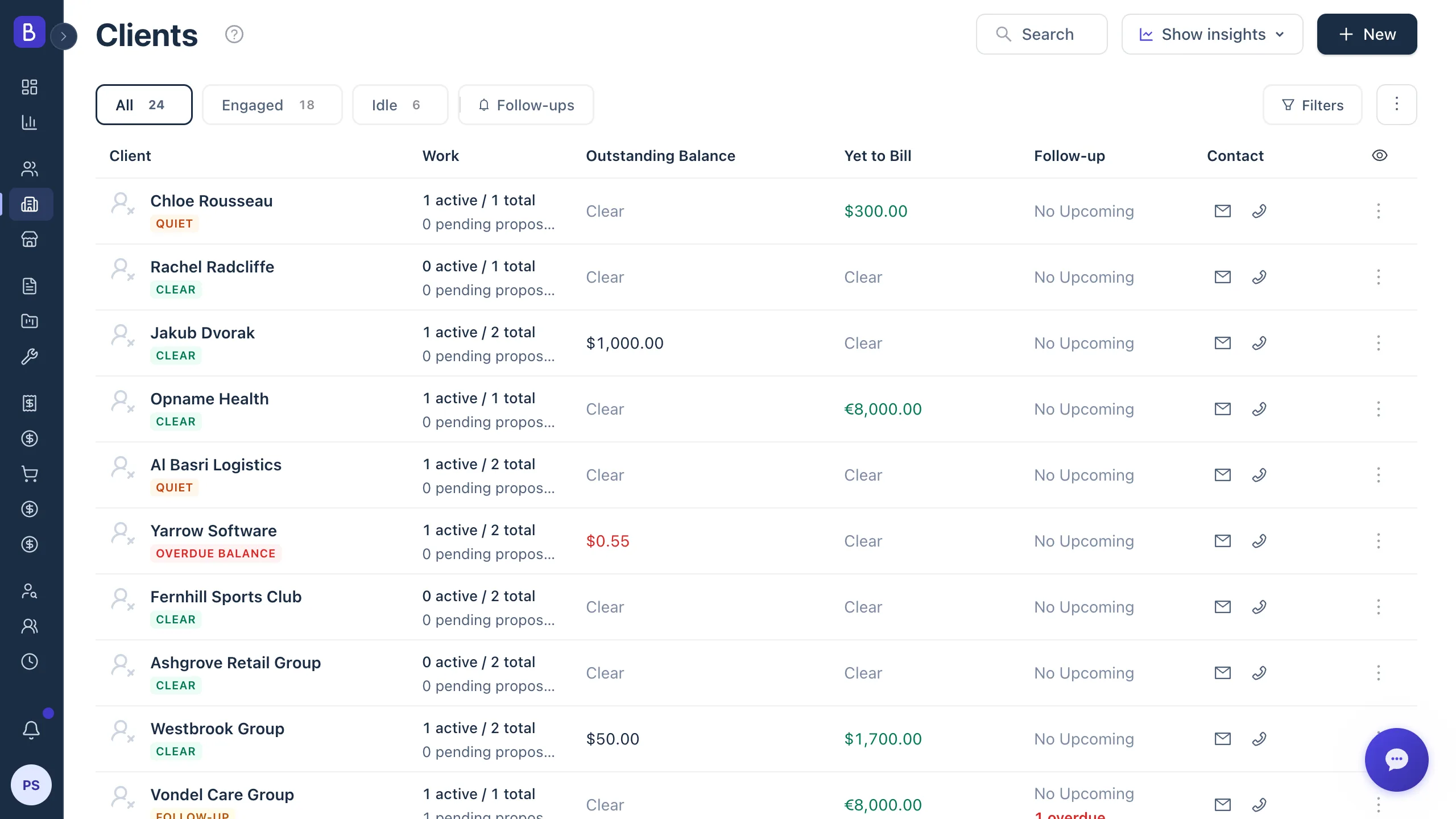
Write the status in words, not traffic lights. "On track for the March launch, design signed off, development started, no issues" tells a client more than a green dot. Keep the numbers you show to the three to five that answer "how are things going" for this specific engagement. Store the full history against the client record so anyone on your team can see what was reported and when without digging through sent email.
Stop rebuilding reports from scratch
The reason reports take so long is that people assemble them: a screenshot from one tool, metrics from another, a budget line from a third, all reformatted into a document. That is hours of copying that adds no insight, because copying is not the valuable part of reporting. Interpretation is.
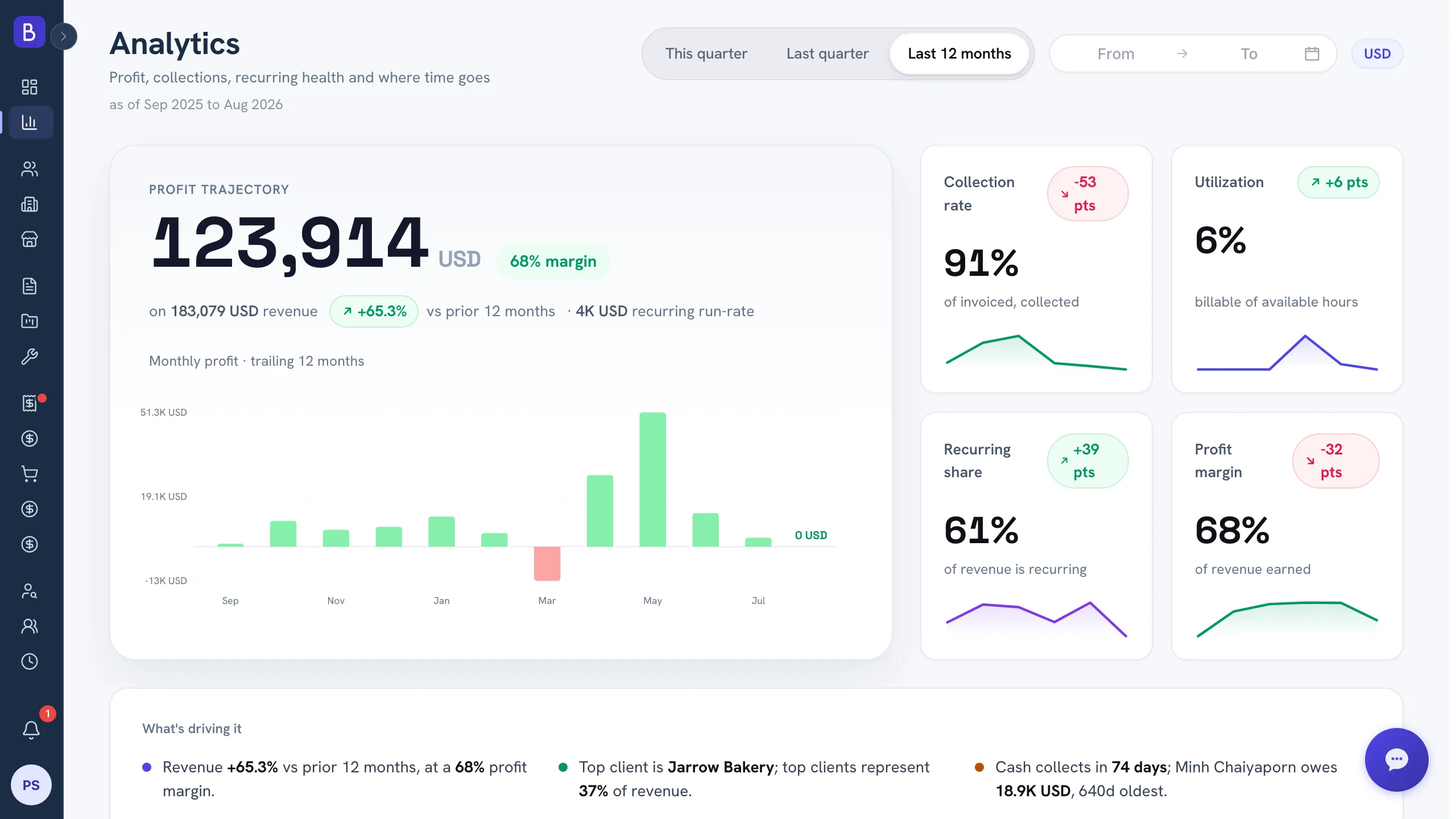
Automate the data gathering, never the narrative. Let the numbers you report, hours logged, tasks completed, budget consumed, milestone progress, come straight from live work rather than being retyped. A connected analytics view means the figures are current the moment you open it, so you spend your time on the part only a person can do: judging what the numbers mean and writing a clear, honest summary. If you are unsure which numbers belong on a report at all, a short list of the metrics that actually matter is a better starting point than showing everything you can measure.
How often should you send client reports
Match cadence to how fast the engagement changes, not to a habit of reporting weekly to everyone.
- Weekly suits active projects with short timelines, high budgets, or clients involved in daily decisions.
- Biweekly fits longer engagements moving at a steady pace, which is the sweet spot for most retainer and multi-month work: frequent enough to keep the client informed, infrequent enough that you always have something new to say.
- Monthly is right for stable, long-term relationships where little changes week to week, such as ongoing support or advisory retainers.
The common mistake is defaulting to weekly for a stable retainer, which creates work for you and inbox clutter for the client. When in doubt, ask the client what frequency they want. Some will happily take monthly, and you have just freed up several reports a quarter.
How to report bad news without losing trust
Projects slip. Budgets stretch. When they do, the temptation is to soften the language, spread the bad news across updates, or wait until you have a fix. Do none of that. Bad news gets worse the longer it waits.
A good exception report is three short parts: what happened, what it affects (timeline, budget, or scope), and what you propose to do about it, including what you need from the client and by when. Clients can handle bad news delivered early and clearly. What they cannot handle is a surprise. A reporting process that never lets them wonder how things are going, good or bad, is worth more to the relationship than any polished deck.
Turn reports into conversations
The real payoff of shorter reports is the time they free up. A five to ten minute call to walk a key client through the update does something a document cannot: it surfaces concerns early and creates space for the client to mention something new. When you are writing the "what is next" section, an honest observation sometimes points at work outside the current scope, such as a performance issue you noticed while delivering. Flagging it is a professional courtesy, not a sales pitch, and that is often where additional work begins, not because you pitched it, but because you were close enough to the account to notice.
End every report with one clear question or next step. If nothing is needed from the client, say so. Reporting is not the goal. Alignment is.