Start onboarding before the welcome email
Client onboarding is the structured handoff from sale to delivery, and it works when both sides agree on what happens next, who approves each decision, and what must be ready before work begins. A friendly kickoff call is not onboarding. The checklist below is the process that prevents missing assets, scope disputes, and the awkward conversations that surface three weeks into a project nobody set up properly.
Use this if a new client has signed, work is about to start, and you want fewer delays, fewer missing files, and fewer surprises in the first month.
Most service companies pour their energy into winning the deal and then treat onboarding as a formality to rush through. But onboarding is where you set every expectation that decides whether the engagement runs smoothly. Get it right and most of the problems that plague agencies simply do not happen.
What to collect before the kickoff call
Do not use the kickoff meeting to discover basic information you could have gathered days earlier. The moment a client signs, send a short prep note with the agenda, the documents you need, and the people who should attend. Ask for everything delivery will need to start:
- The signed scope, price, payment terms, and start date, confirmed in writing.
- Access items: logins, systems, brand files, existing documentation, and technical contacts.
- The people involved: who signs off, who you talk to daily, and who pays the invoices.
- Any deadline that is not already in the proposal.
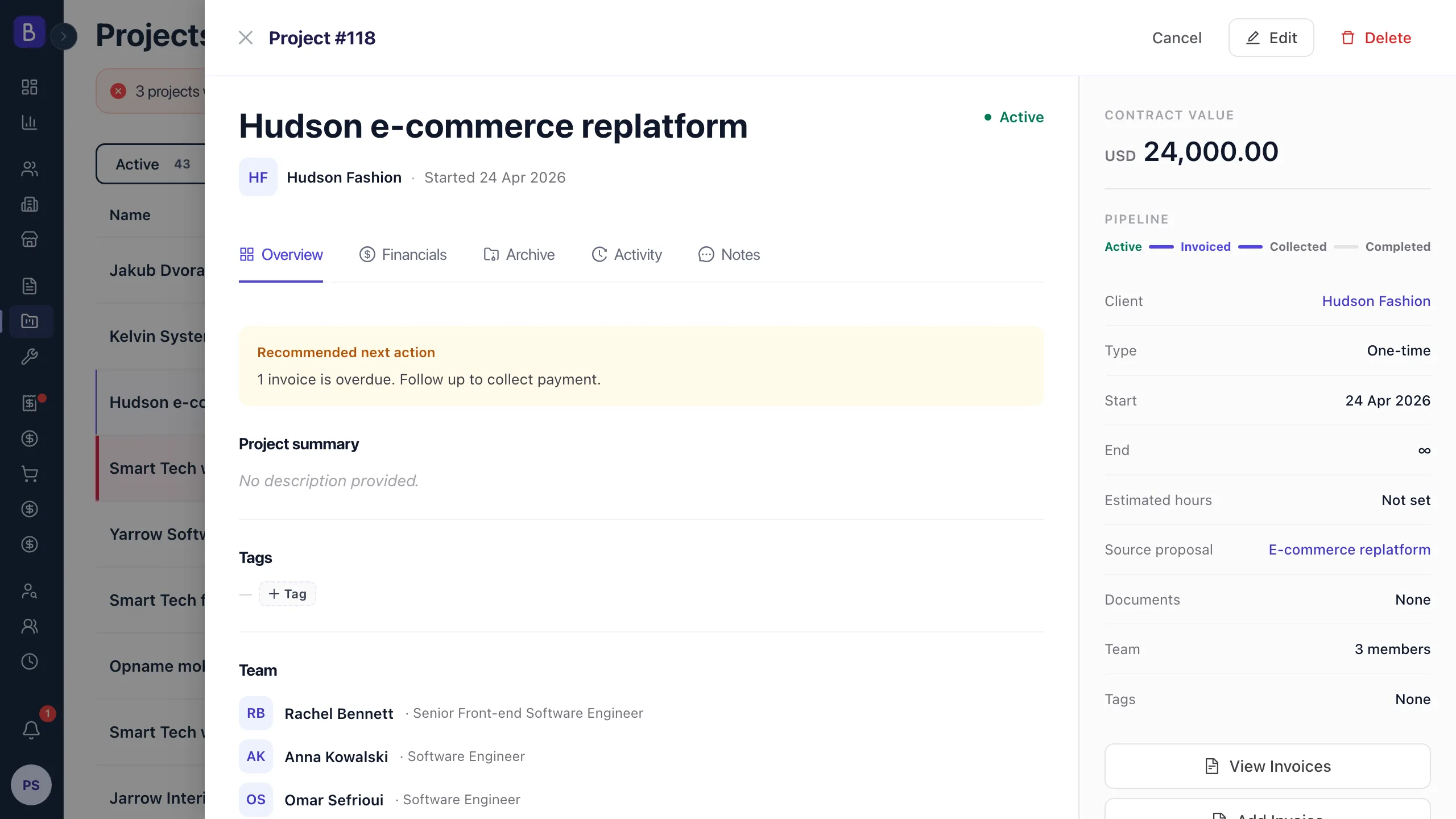
The signed proposal is your source of truth here, so keep proposals and the details they carry close to the delivery team rather than buried in a salesperson's inbox. If a client cannot provide something yet, write down the blocker and the date you will chase it again. A missing password or staging login is the single most common reason a ready team sits idle in week one.
The client onboarding checklist
This is the core list. Run it every time and scale the depth to the size of the engagement. A small project still deserves the prep note and the scope confirmation, even if the kickoff call is fifteen minutes instead of forty-five:
- Confirm the signed scope, price, payment terms, and start date in one place.
- Name the decision maker, the day-to-day contact, the billing contact, and an escalation contact.
- List every access item needed before delivery starts, each with an owner and a due date.
- Agree on the first milestone, the first review date, and what the word "approved" actually means.
- Set the communication cadence before anyone starts sending ad hoc updates.
- Record open risks, dependencies, and decisions that still need client input.
- Send a written onboarding summary and ask the client to confirm it.
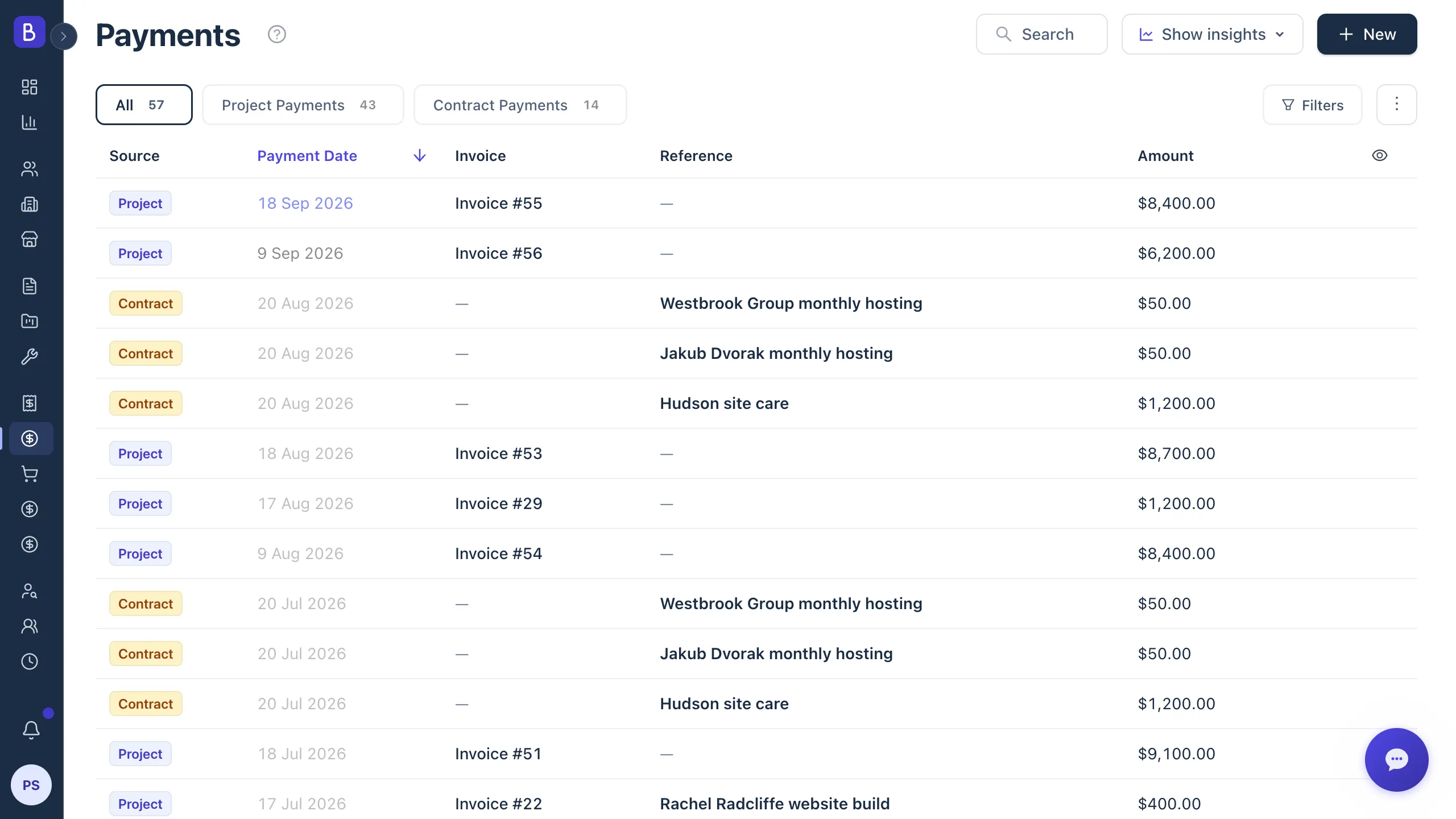
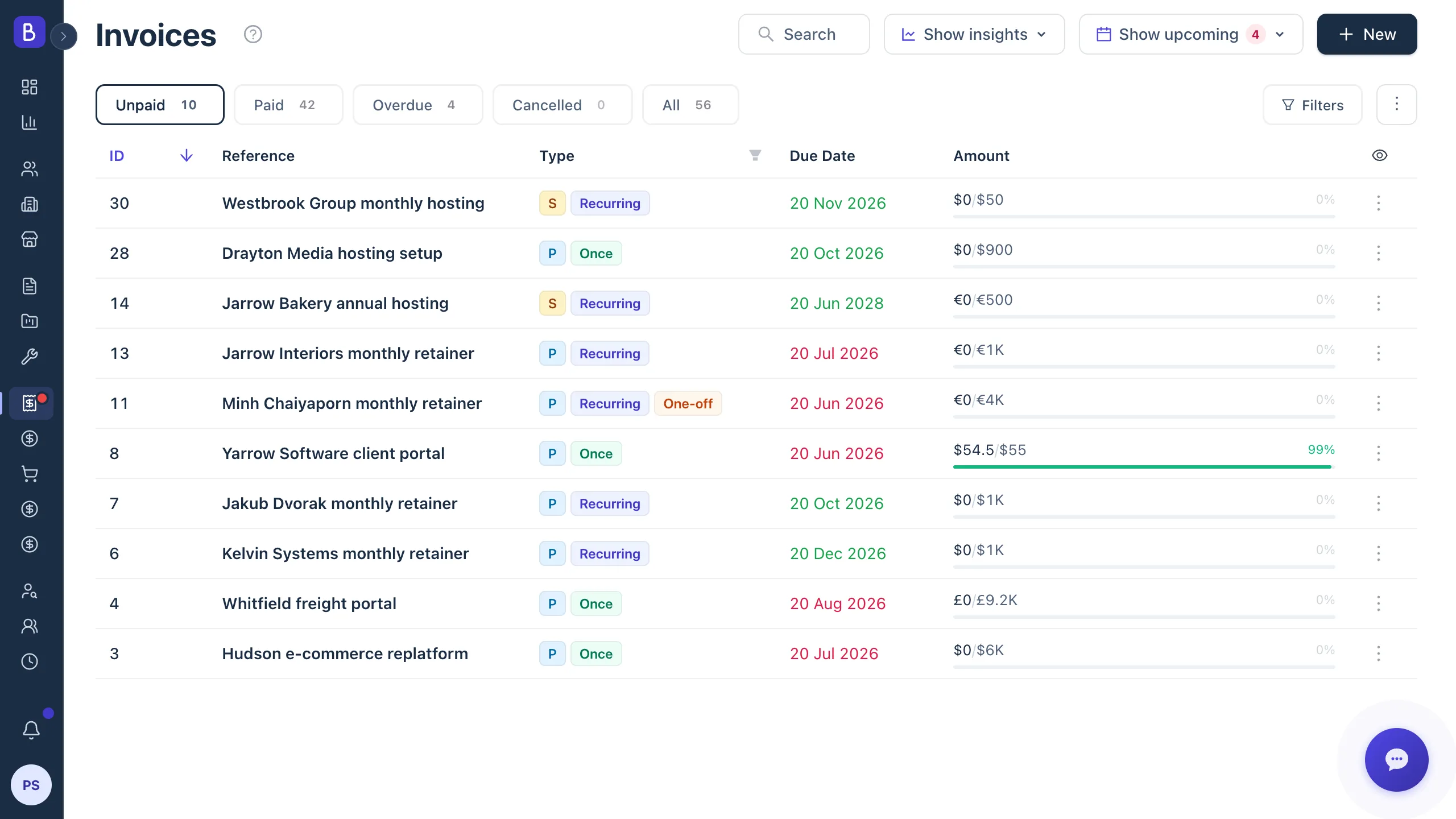
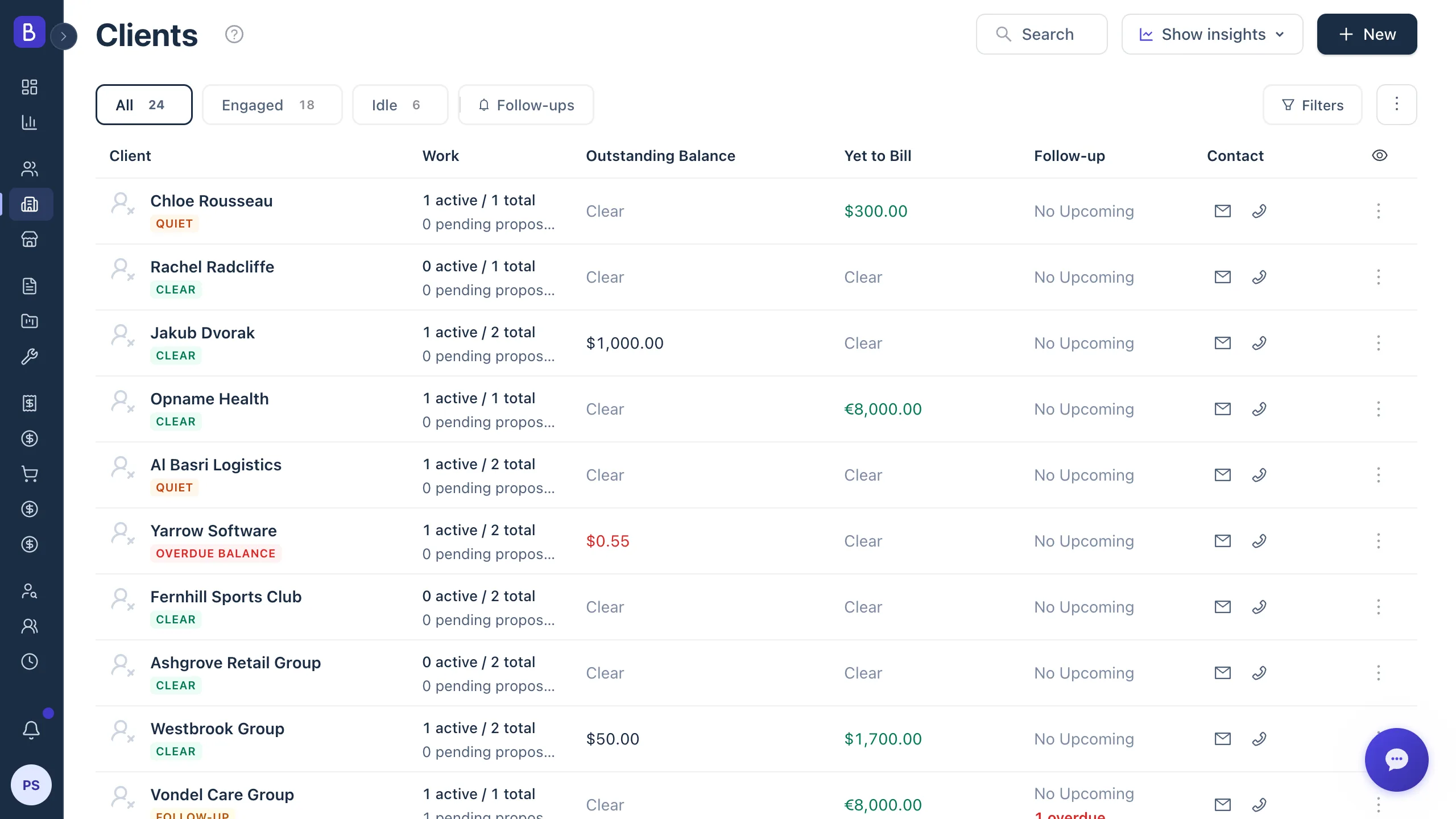
The goal is simple: anyone on the delivery team should be able to open the client record and see what was sold, who approves work, what has been promised, and what is still missing. A connected client management view that gathers proposals, projects, invoices, notes, and activity in one place makes that possible without anyone emailing sales for context.
Who approves what: roles that prevent confusion
Most onboarding problems trace back to a hidden assumption about who can approve work. The founder may sign the contract, a manager may run the kickoff, and a finance person may control payment. Treat those as separate roles and name them explicitly:
- Project owner: approves scope, timeline, and major decisions.
- Daily contact: answers operational questions and joins the recurring check-ins.
- Billing contact: receives invoices and payment reminders.
- Technical or subject expert: provides access, assets, and review comments.
Put those names where the delivery team can see them, and if the answer is "the same person for everything," record that too. Building for two weeks to the taste of someone who turns out to have no authority to sign off is a costly failure that a two-minute question at kickoff prevents.
What the first week should prove
The first week does not need to produce finished work. It needs to prove the project is under control and to remove uncertainty:
- Day 1: confirm scope, roles, timeline, and missing inputs.
- Day 2 or 3: complete access checks and review the assets you received.
- Day 4: share the first working plan or project board.
- Day 5: confirm risks, the next milestone, and the date of the first client review.
Turn the checklist into real tasks with owners and dates rather than a note that vanishes after kickoff. When a client sees a concrete plan by day five, they stop wondering whether they chose the right firm. That quiet confidence is worth more than any amount of polish later.
Where client onboarding goes wrong
The same failure points repeat across agencies and consulting firms. Watch for these:
- Scope is assumed, not confirmed. Nobody stated out loud what was excluded, so each side carries a different picture. Walk through the deliverables line by line and name two or three things that are explicitly not included. A clear statement of work makes that boundary easy to point to when a request later crosses it.
- Access arrives late. The team is ready but the credentials are not. Set a five-day deadline and follow up when it slips.
- The wrong person gives feedback. Comments from someone with no authority to approve send the work in a direction the real decision maker never wanted.
- Communication expectations never match. One side expects a weekly video call, the other assumes an email summary is fine, and neither said so.
Onboarding is also your first defense against scope creep. When the boundary is written down and the change process is agreed early, the later "I thought that was included" conversation becomes a calm choice rather than a confrontation. If you are unsure how to run that conversation, our guide on how to handle scope creep gives you a script you can adapt.
When to revisit your onboarding process
Onboarding is not a document you write once and forget. Revisit it when a project starts badly, when you add a new service line, when you hire delivery staff who need the steps written down, or on a simple quarterly rhythm. After each rough start, ask one question: what did we assume that we should have confirmed? Add the answer to the checklist, and the same mistake stops recurring.
The proposal says what you will do. Onboarding is where you make sure everyone agrees on it before the work, the timeline, and the relationship all depend on getting it right.