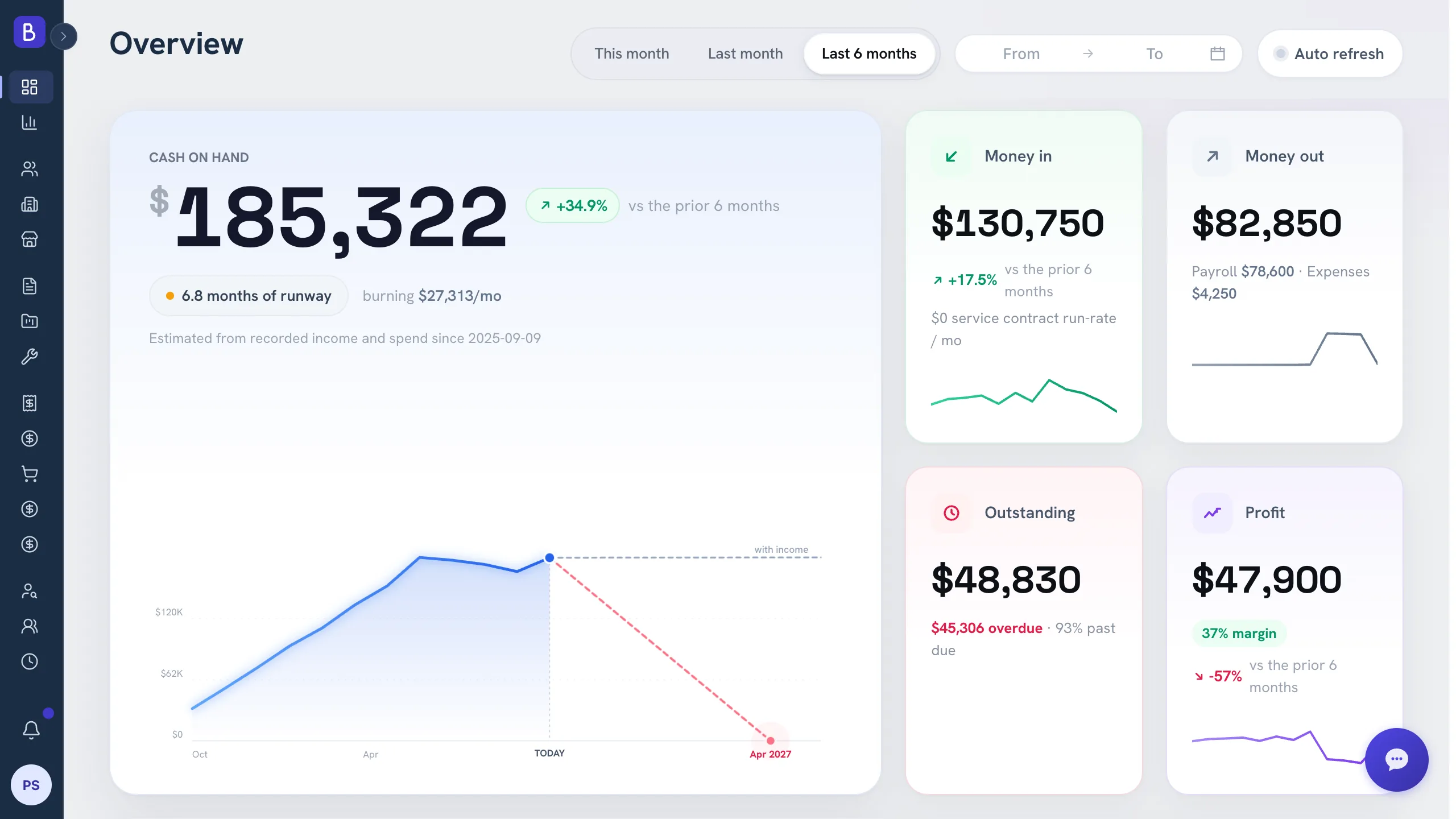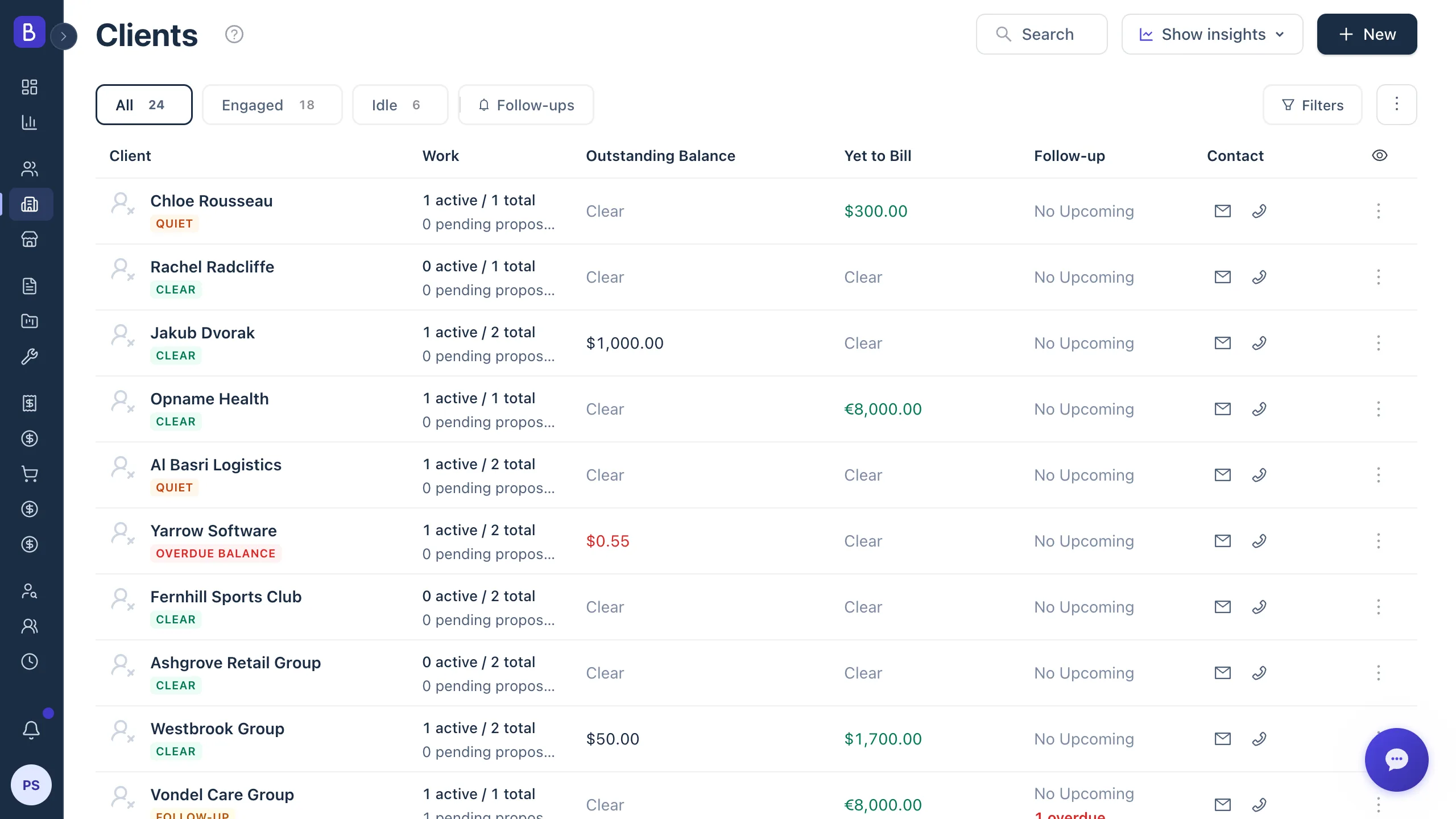
A connected pipeline moves a deal from quote to cash
A proposal to invoice workflow connects four steps that usually live in four different tools: the approved proposal, the project that delivers it, the invoice that bills it, and the payment that closes it. When those steps share one record, a deal moves from quote to cash without anyone retyping a number, and revenue stops slipping through the gaps between apps.
Use this if approved work still gets re-entered by hand before it becomes a project or an invoice, or if you have ever found an unbilled milestone weeks after it was delivered.
This guide picks up where winning more proposals leaves off: the moment a client says yes, and everything that has to happen cleanly after it.
Where revenue leaks between tools
When the proposal lives in a document editor, the project in a task board, and the invoice in accounting software, every handoff is a manual copy. Someone reads one screen and types into another. People forget, misread an old draft, or skip a step during a busy week. The leaks are rarely dramatic. They are small and repeated:
- A project set up with the wrong contract value because it was copied from an earlier proposal version.
- A milestone that gets delivered but never invoiced, because no screen was showing that the work was done and the bill was missing.
- A payment recorded against the wrong project.
- Scope that quietly grows past the approved amount with no matching change to the price.
None of these come from carelessness. They come from a process where data has to be carried across boundaries by memory. The fix is not another integration between the tools. It is fewer boundaries.
The quote to cash process, step by step
A connected pipeline follows one path from "yes" to "paid":
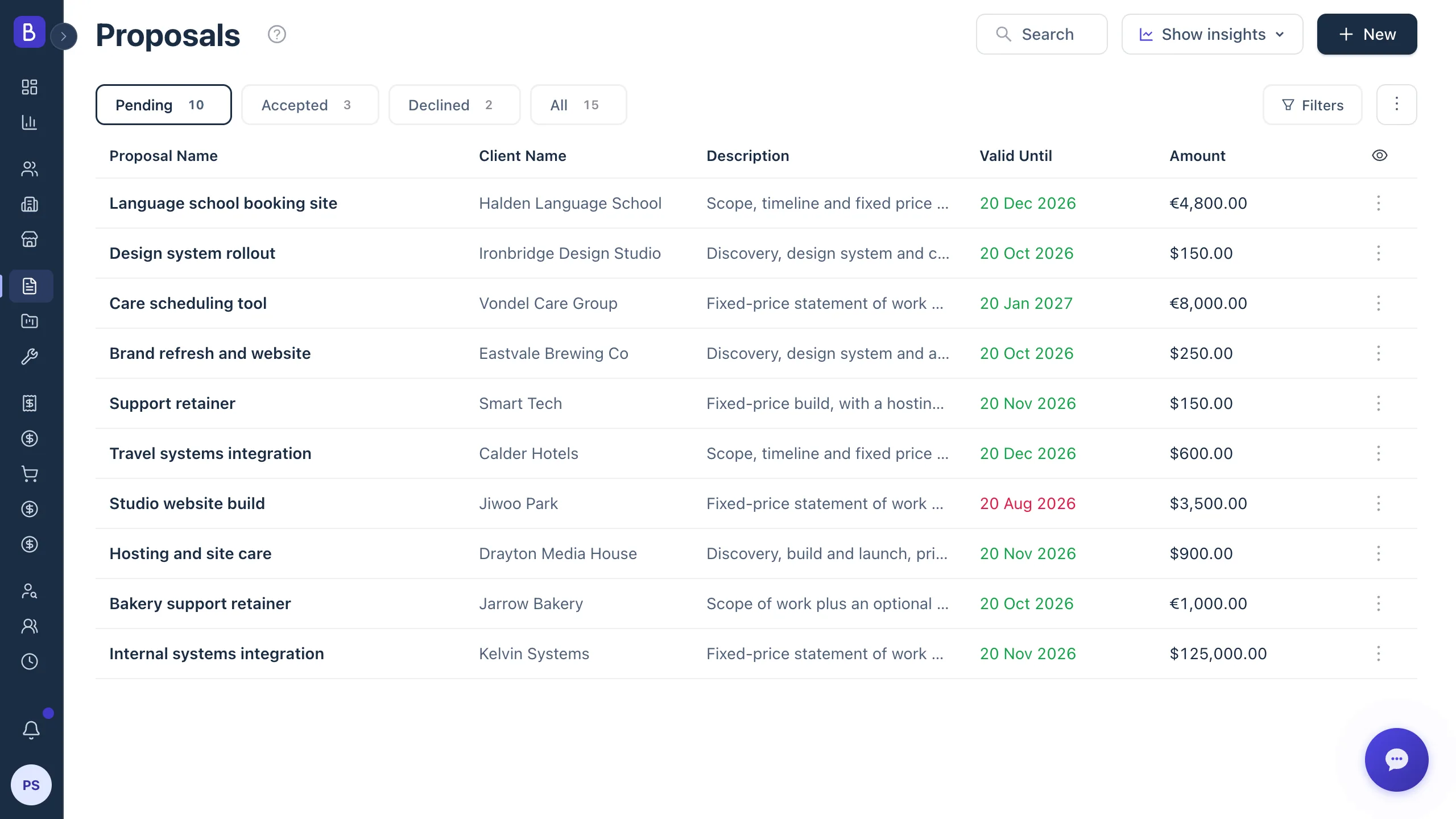
- The proposal is approved (statuses run Pending, Approved, and Rejected).
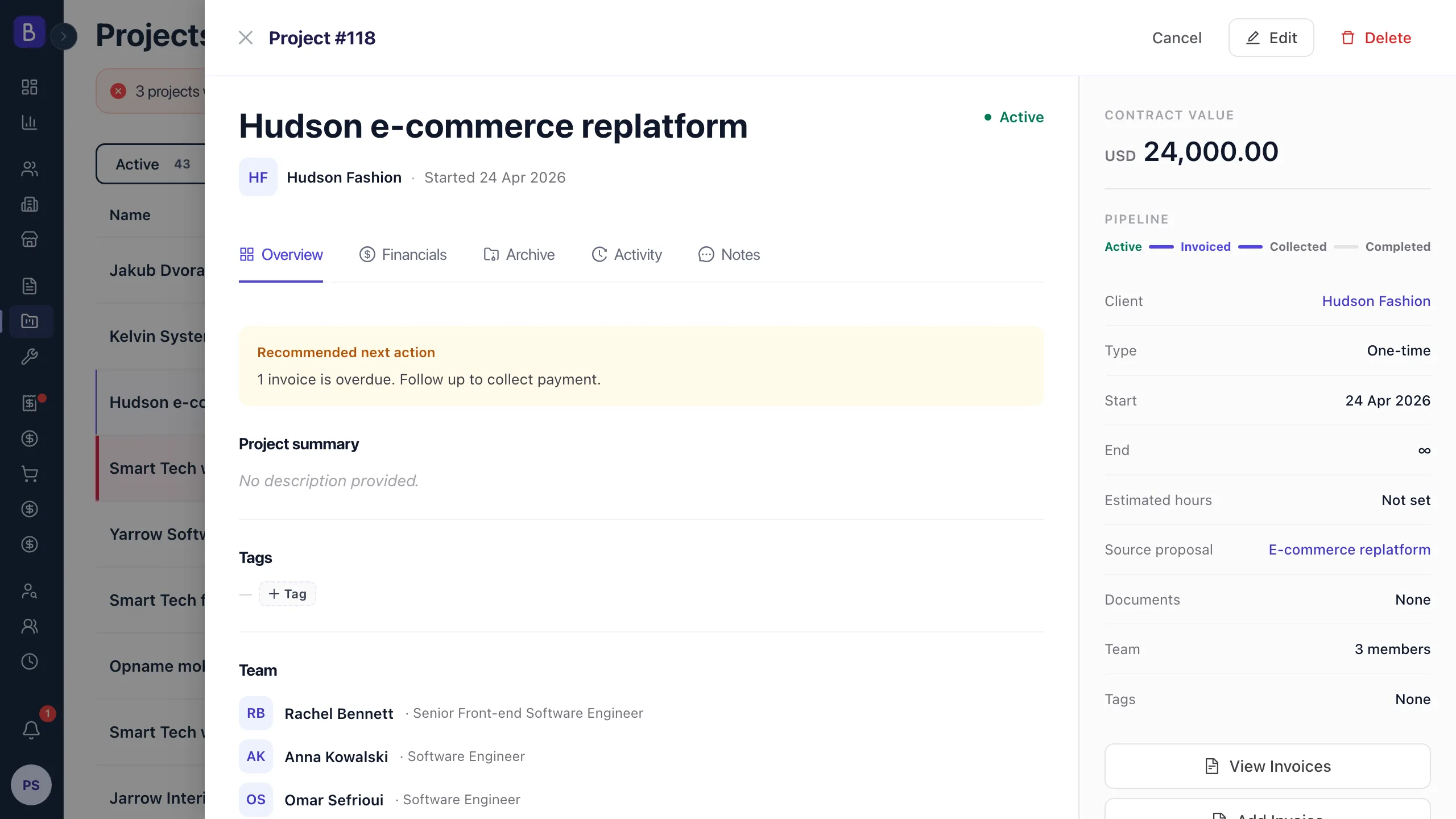
- The approved proposal becomes a project, with the scope, contract value, client, and terms carried over instead of retyped.
- Milestones become the delivery checkpoints the team works against.
- Invoices follow the payment terms, each one referencing the milestone it bills.
- Payments reconcile against the invoice and the project, and the invoice closes when it is fully paid.
Every stage inherits the one before it, so the numbers cannot drift apart.
Fields that must carry forward
When a proposal becomes a project, these details should move with it automatically:
- Client name and billing contact.
- Approved scope.
- Contract value.
- Currency and payment terms.
- Milestones.
- Start date and target dates.
- Exclusions or special conditions.
If any of these have to be retyped, an error is only a matter of time. The value of proposals that convert directly into a project is that the winning terms and the delivery record become the same record, not two versions that slowly disagree.
Keep one number for the deal
The most useful discipline in a quote to cash process is a single agreed amount that everything traces back to. The approved proposal sets the contract value. The project shows it. The invoices bill against it. When the sum of invoices exceeds the approved amount, that gap is visible immediately, which turns scope creep into a decision instead of a surprise. The approved scope and deliverables also become the statement of work that keeps delivery honest when a client asks for "just one more thing".
Start the schedule with a deposit
The cleanest first invoice on most projects is a deposit at kickoff, before delivery capacity is reserved. It covers your early costs, signals that the client is committed, and shifts collection risk away from the end of the project when the work is already delivered and your leverage is gone. A common shape is a deposit, staged payments as milestones are approved, and a final payment on acceptance. If a client refuses any upfront payment at all, that reluctance is itself a useful signal about how the rest of the billing relationship is likely to go, and it is better to learn it before you start than after you deliver.
Milestone billing keeps invoices collectible
Large final invoices are the hardest to collect, because the client already has the work. Milestone billing reduces that risk and makes each invoice easier to understand. Break the contract value into a deposit, staged milestone payments, and a final acceptance payment, and reference each milestone, deliverable, approval date, and payment term on the invoice.
For example, a $24,000 project split into three equal milestones creates three $8,000 invoice events. If milestone two is approved but not yet billed, the missing invoice is obvious rather than hidden. Connected invoicing generates the invoice with the client, project, amount, and reference already filled in, so creating it after a milestone takes seconds and there is nothing to mistype.
Trace the story from any starting point
The point of one connected record is that you can start from any step and see the whole deal. A partner asks about an invoice: you open it and see the project it belongs to, the proposal that created it, and what was agreed versus what has been billed, in seconds. That used to be a scavenger hunt across three apps. It matters most under pressure, when a client questions a charge or finance needs to confirm what is still outstanding before the end of a quarter.
What to check every week
A short weekly reconciliation catches leaks while they are still cheap to fix. Review:
- Approved proposals that have no project yet.
- Active projects with no billing schedule.
- Completed milestones with no invoice.
- Invoices overdue, sorted by age.
- Payments received but not matched to an invoice.
These checks take a few minutes when proposal, project, and payment data sit together. They take an afternoon of cross-referencing when the data is scattered.
Do not automate the send
A connected pipeline is not the same as blind automation. Some invoices need a credit, a scope adjustment, or a quick review before they reach a client. Recurring invoices in this model are generated for a person to review and approve, so nothing goes out without a human seeing it first. The goal is to have each invoice and its context prepared so the person responsible can approve it in seconds, not to fire invoices automatically and hope every one is correct.