Why your team won't use the project management tool
Teams abandon project workflows when updating them takes thought and time they do not have between client calls. A workflow your team will actually follow has few statuses, obvious rules, and lives in one place. Start with four or five statuses, make the correct update the fastest thing on the screen, and add complexity only when a real situation demands it.
Use this if your project board has many statuses but everything still ends up marked "in progress."
What actually breaks a workflow
The usual reaction to an ignored board is frustration: why can't people just follow the process? But watch a real day. Someone finishes a client call, has ten minutes before the next meeting, and tries to update a project. Is it in "client review" or "revisions"? The client gave feedback verbally but sent nothing formal, and part of the work is also back in scoping. By the time they reason through it, the next meeting has started, so they leave it at "in progress" and move on.
The problem is rarely laziness. It is a workflow that demands careful deliberation at every transition. In a busy service company, deliberation is a fantasy. Your workflow has to work in the thirty seconds between meetings or it will not work at all.
Start with fewer statuses than you think you need
Most service teams can run on four or five statuses:
- Not started.
- In progress.
- Waiting on client.
- Internal review.
- Done.
That feels almost too simple, and that is the point. When the decision is trivial (is work happening? is it blocked on the client? is it approved?), people update consistently without reminders. Fourteen statuses collapse into one, because any choice that requires thought defaults to "in progress." Four or five options is a glance. Fifteen is a burden.
Accurate data at four statuses beats detailed data at fourteen, because detail nobody maintains is just fiction with extra steps.
Add complexity only when the team asks for it
Never add a status because it might be useful someday. Add one only when the team keeps hitting a real situation the current options cannot describe.
A common example: consultants want to tell apart work that is genuinely moving from work that is stalled waiting on the client. "Waiting on client" earns its place because it changes behavior. It means chase the client for the missing asset, while "internal review" means the work is done and waiting on a decision. Each status should map to a distinct action someone takes. If two statuses trigger the same follow-up, you probably need one, not two.
Define what done means for each status
Every status needs an entry rule and an exit rule, or people will use them inconsistently and the board will lie to you. Spell out each one in a single line.
- Waiting on client means you have asked for a specific item or decision and the request is written down, not that you are vaguely blocked.
- Internal review means the work is finished and ready for senior or quality review, not that it is still being built.
- Done means the deliverable is approved, sent, or handed off according to the project plan, not that the maker personally thinks it is finished.
Keep those definitions where the work lives, not in a separate document people forget. A shared definition is what stops one person's "review" from quietly meaning something different than another's.
Make the correct update the easiest update
People follow the path of least resistance. If the easiest thing to do is also the correct thing, compliance happens by itself.
- Ask for the update at the right moment. A prompt right after a client meeting, when the project is fresh, gets done. A prompt at the end of a tired day does not.
- Strip the update to one required action. If changing a status also demands a percentage, a note, and a date every time, people avoid it. Make the note optional.
- Pre-fill context where you can. If moving to "waiting on client" opens a note that already reads "waiting for client to provide," most people fill the blank. Few write a sentence from scratch.
One source of truth beats five scattered ones
A workflow only works if the board reflects reality, and reality has to live in one place. When status is in the tool, decisions are in chat, the scope is in a document, and the timeline is in someone's inbox, the team rebuilds the story every time and the board drifts out of date.
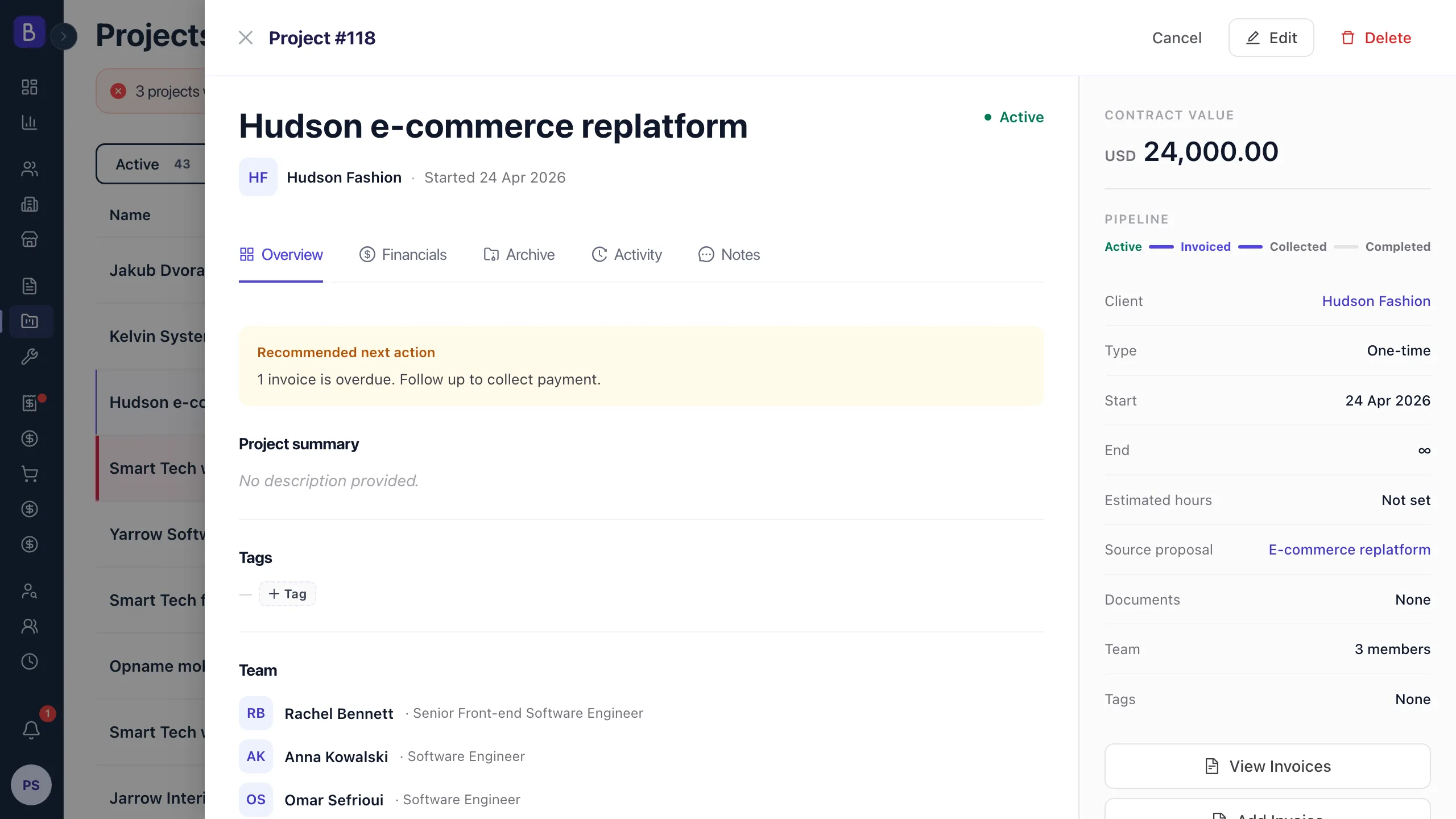
Keep the current state, the owner, and the next step together inside your project management workspace, and anchor the scope to the agreement you signed. When the plan traces back to the approved statement of work, "done" means the same thing to delivery, the client, and finance.
Design the workflow with the team, not for them
The fastest way to build a workflow nobody uses is to design it alone. Instead of asking "what statuses should we have," which invites abstract answers, ask "what do you need to know about a project to do your job." The answers are concrete: whether I am waiting on the client or the client is waiting on me, which projects are moving and which are stalled, and when something is finished so I can stop thinking about it. Those needs are your workflow. Because the team defined them, they own the result instead of resenting it.
Run a monthly workflow review
A workflow decays quietly. A short monthly check keeps it honest. Look at three things.
- Status spread. If nearly everything is "in progress," the statuses are not being used. The distribution should roughly match reality.
- Stale work. Flag anything that has not changed status in more than a week or two. Either the status is wrong or the project genuinely stalled and nobody noticed.
- Team feedback. Ask whether any status is missing, any status goes unused, and whether updating is easy, tolerable, or annoying. "Annoying" is a signal to fix something before people quietly stop.
If you are picking a tool at the same time, the same principle applies. Choose for how your team actually works, which the guide on choosing project management software walks through step by step.