We Switched PM Tools Three Times in Two Years
I need to tell you this story because I see the same mistake everywhere, and I made it myself before I learned better.
In 2023, our 18-person consulting firm was using a combination of Trello for project tracking, Google Sheets for budgets, HubSpot for client relationships, and QuickBooks for invoicing. It was messy but functional. Then we decided to "consolidate" into one platform.
We chose Monday.com. It was popular, well-reviewed, and the demo looked incredible. We spent three weeks migrating data, two weeks training the team, and one week customizing views and automations. Six weeks of effort before we even started using it for real work.
By month three, we realized Monday was great for task management but terrible for the way service companies actually work. We couldn't link a client's proposal to their project to their invoices. We couldn't see, at a glance, how much revenue a specific client had generated this year. The invoicing features were too basic for our needs, so we kept QuickBooks running alongside it. We'd "consolidated" from four tools to five (Monday plus everything we couldn't replace).
So we switched to Asana. Another six weeks of migration and training. Asana was better for project workflows but had the same fundamental gap: it was built for product teams, not service companies. There was no concept of a client as a first-class entity. No proposal management. No invoicing at all.
Then we tried Scoro. That one actually stuck for a while. Scoro understood service businesses. It had client management, project tracking, quoting, and invoicing in one place. But it was complex. Really complex. The learning curve was steep, the interface was dense, and half our team went back to using spreadsheets because Scoro felt like too much work.
Two years. Three migrations. Countless hours of productivity lost. I could have avoided all of it if I'd evaluated the tools using the right criteria from the start.
The Problem: Most PM Tools Are Built for the Wrong Type of Company
Here's the thing nobody tells you when you're shopping for project management software. The vast majority of PM tools on the market were designed for software product companies. Jira, Asana, Monday, Linear, ClickUp, Notion. They're all built around the same mental model: you have a product, you have a backlog of features, and you need to track who's working on what.
Service companies don't work that way. When you're an agency, a consultancy, or a contractor, your fundamental units of work are different:
- Clients are the center of everything, not products
- Proposals and quotes are how work begins, not sprint planning
- Budgets and contract values matter more than velocity charts
- Invoicing and payments are directly tied to project delivery
- Multiple concurrent projects for different clients, each with different terms
A tool that doesn't understand these concepts at a structural level will always feel like a workaround. You'll build custom fields, bolt on integrations, and maintain spreadsheets for the gaps. I know because I did exactly that for two years.
The Feature Checklist That Actually Matters
After my expensive tool-shopping journey, I developed a list of features I evaluate before even looking at a PM tool's interface. If a tool doesn't have these, it's not built for service companies, no matter how nice the Kanban board looks.
Must-Have Features
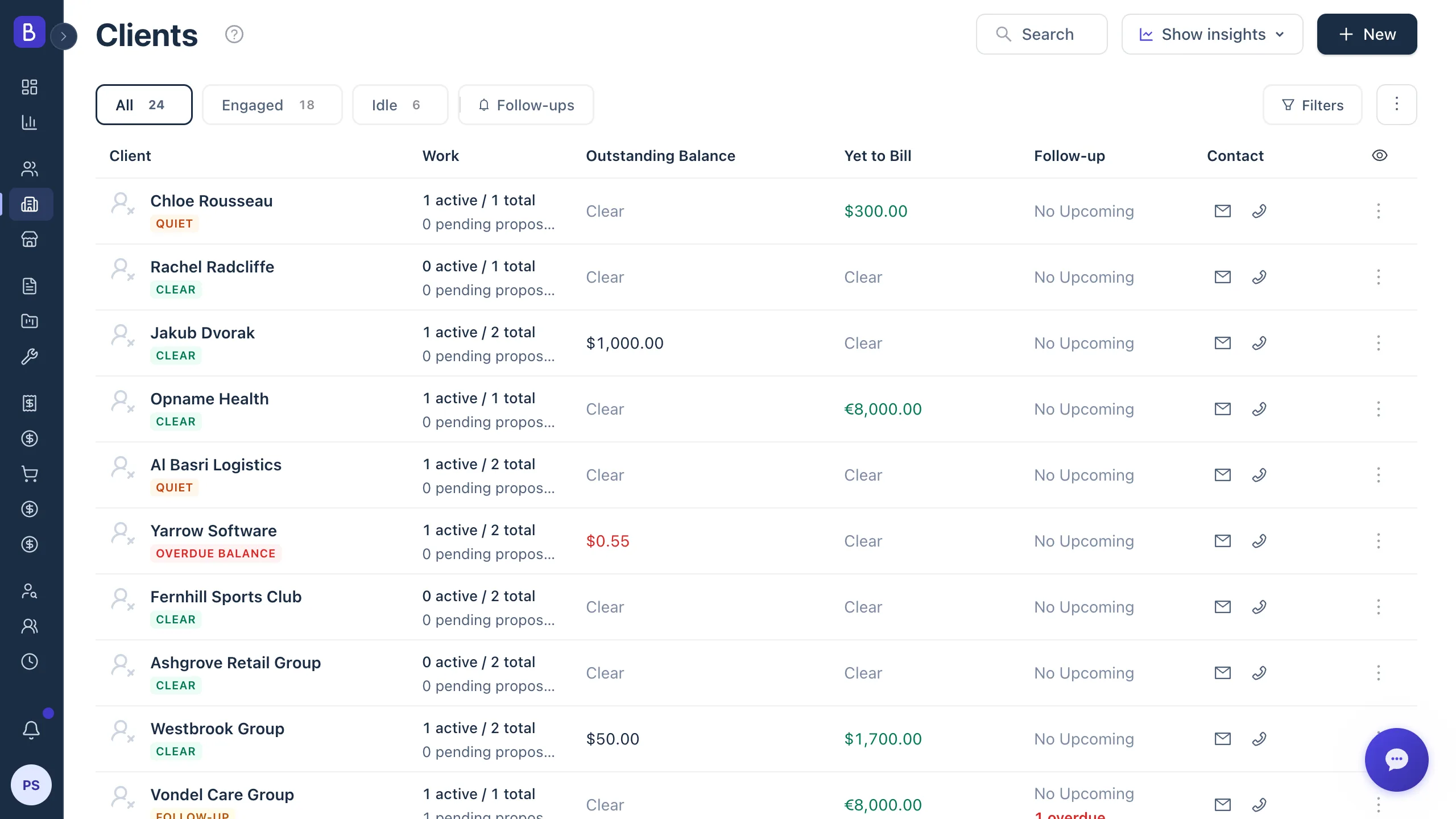
Client management. Not just a contact list. A real client entity that ties together all the projects, proposals, invoices, and communications for that client. You should be able to click on a client and see their complete history. If the tool treats clients as a custom field on projects, that's not enough.
Proposal or quote management. The ability to create, send, and track proposals or quotes within the same system. Bonus if accepted proposals can be converted into projects automatically. This is where most generic PM tools fall flat. They assume work starts at the project level and ignore everything that happens before.
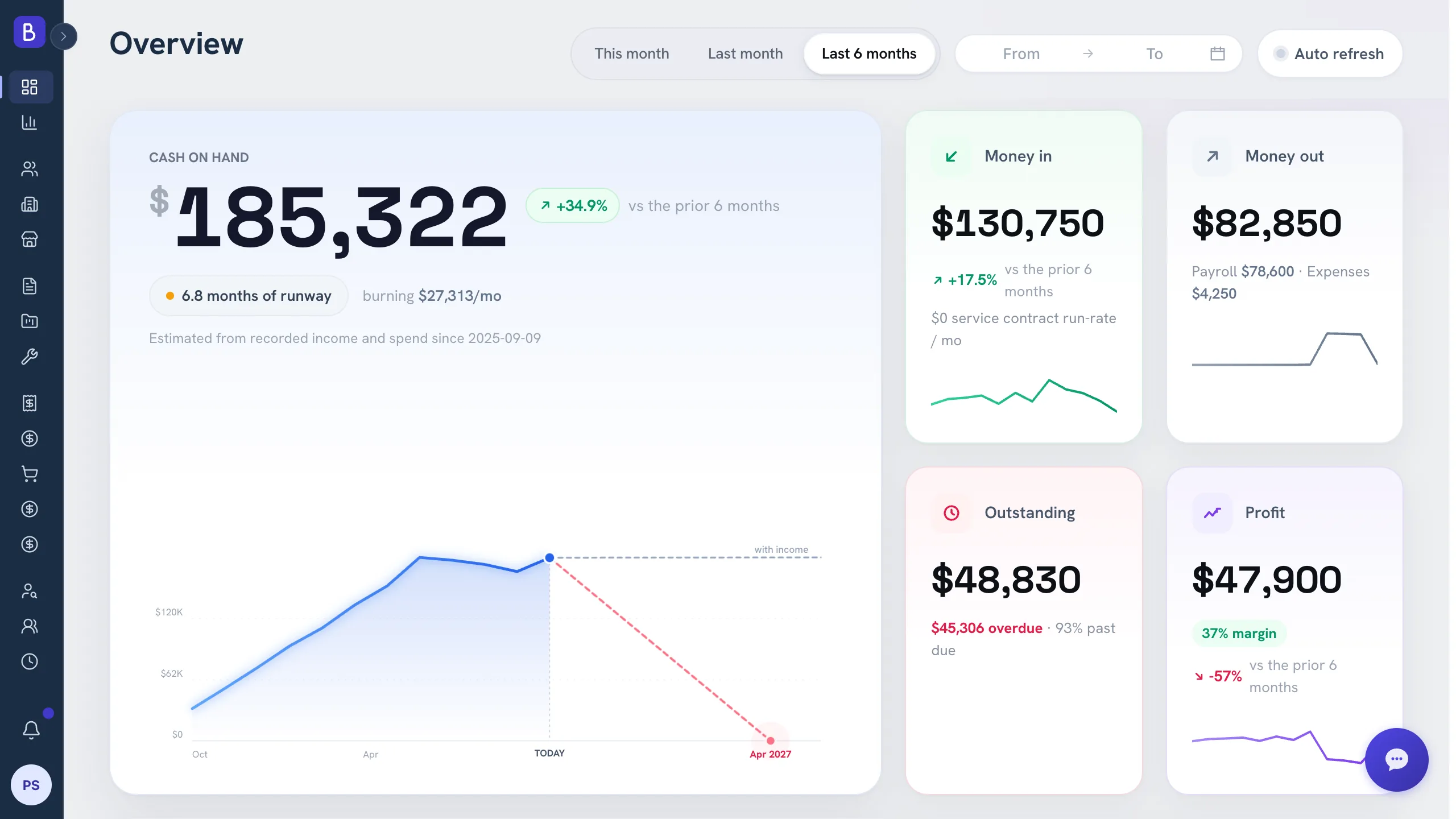
Financial tracking per project. Budget, actual costs, margins, revenue. Not as an add-on or integration. Built in. You need to see, without leaving the tool, how much a project is worth, how much you've spent on it, and how much you've invoiced.
Invoicing. The ability to create and send invoices from within the platform, ideally linked to specific projects or milestones. If your PM tool can't generate an invoice, you need a second tool, and that second tool won't have project context.
Time tracking tied to projects and clients. If your business bills by the hour or even if it doesn't, you need to know how much time each project actually consumed. Time tracking that lives in a separate app from your project management is a recipe for inaccurate data.
Multi-project views. Service companies don't work on one project at a time. You need a dashboard that shows all active projects, their health, and who's allocated where. If the tool forces you to click into each project individually to see its status, that's a problem.
Nice-to-Have Features
Resource allocation. The ability to see who's assigned to what and how much capacity your team has. This matters more as you grow past 10 people.
Recurring project and invoice support. If you have retainer clients or maintenance contracts, you need recurring billing. Managing it manually is tedious and error-prone.
Document management. Proposals, contracts, deliverables. Being able to attach and find documents within the project context saves time.
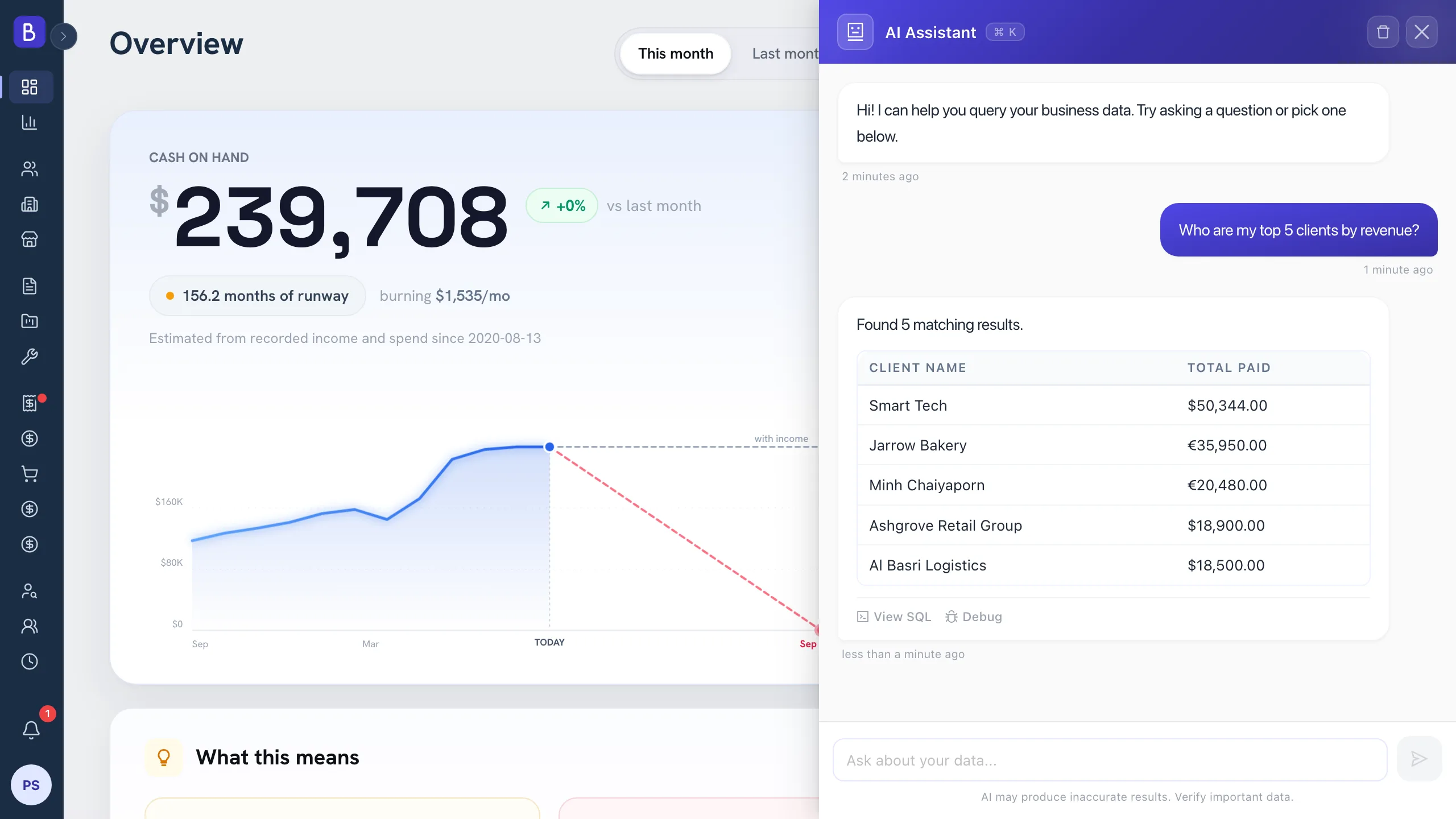
Reporting and analytics. Revenue by client, margins by project type, team utilization. The tool should help you answer business questions, not just task questions.
Features That Don't Matter (as Much as Vendors Think)
Gantt charts. I know this is controversial. But in 12 years of running service projects, I've never seen a Gantt chart that stayed accurate past week two. They're impressive in proposals and useless in practice for most service companies under 50 people.
Complex automations. "When task moves to Done, send a Slack message, update a custom field, and trigger a Zapier webhook." This sounds powerful. In reality, complex automations break, nobody remembers how they work, and they create a maintenance burden that falls on whoever set them up.
AI features. Every PM tool is adding AI right now. AI project summaries, AI task generation, AI risk prediction. Most of it is gimmicky. Some of it is useful. None of it is a reason to choose one tool over another at this point.
Honest Assessments of Common Tools
I want to be straightforward here. I've used or evaluated all of these, and I'm giving you my honest opinion. None of them paid me to say anything.
Monday.com is excellent for task and workflow management. The interface is intuitive, the automations are solid, and it's flexible enough to customize for almost anything. But it's built for product teams. Client management is a workaround. Financial tracking requires add-ons. Invoicing is minimal. If your primary need is project task tracking, it's great. If you need a business operations platform for a service company, you'll outgrow it fast.
Asana has the best pure project management experience of any tool I've used. The workflow builder is elegant, the timeline view is useful, and the reporting is good. But like Monday, it doesn't understand service businesses at a structural level. There are no clients, no proposals, no invoicing. You can build custom fields for some of this, but it's always a workaround.
Scoro was built for service companies and it shows. It has client management, quoting, project tracking, invoicing, and even financial reporting all in one platform. The downside is complexity. The interface is dense and the learning curve is real. Smaller teams (under 10 people) often find it overwhelming. Pricing is also on the higher end.
Productive.io is relatively newer and focused specifically on agencies. It handles resource planning, project financials, and budgets well. The interface is cleaner than Scoro's. The trade-off is that it's less flexible, and the invoicing features are decent but not as deep as dedicated accounting tools. Good option for agencies between 15 and 50 people.
ClickUp tries to be everything for everyone. It has an enormous feature set and is highly customizable. The problem is that "highly customizable" often means "you'll spend weeks setting it up." I've seen teams get lost in ClickUp's configuration options and never reach a stable workflow. Power users love it. Everyone else finds it chaotic.
Notion is a great knowledge base and a mediocre project management tool. Teams love it for documentation and internal wikis. But using it as your primary PM platform means building everything from scratch. No native invoicing, no client management, no financial tracking. You're essentially building your own tool inside Notion, and that takes time you probably don't have.
How to Run a Real Evaluation
Stop watching demo videos. I mean it. Demo videos are designed to make every tool look perfect. They show best-case scenarios with clean data and ideal workflows. Real evaluation requires getting your hands dirty.
Step 1: Define your workflow first
Before you look at any tool, write down how your business actually works. Not how you wish it worked. How it works today. Start from "a lead comes in" and go all the way to "the invoice is paid." Map every step. Every handoff. Every piece of information that moves between people or systems.
This exercise will show you what you actually need. Most teams skip this and end up choosing a tool based on features they'll never use while missing features they need daily.
Step 2: Trial with real data
Most tools offer a 14-day free trial. Don't use it with sample data. Enter three real clients, two real projects, and one real proposal. Try to do your actual work in the tool for a week. The experience of entering real data is completely different from clicking through a demo. You'll immediately feel where the tool fits and where it fights you.
Step 3: Involve the actual users
Don't let the owner or ops manager choose the tool alone. The people who will use it every day need to try it. I've seen tools chosen by management that the team refused to adopt. The best tool in the world is useless if your project managers hate using it.
Step 4: Check the integration story
What tools will this PM platform need to talk to? Your accounting software? Your email? Your calendar? Check that the integrations exist and actually work. "We integrate with QuickBooks" sometimes means a robust two-way sync. Sometimes it means a basic Zapier connection that breaks monthly.
The Hidden Costs Nobody Mentions
The sticker price of a PM tool is almost never the real cost. Here's what actually adds up:
Migration time. Moving data from your old system to the new one takes longer than you think. Budget one to three weeks for a small team. For larger teams with years of historical data, it can take a month or more.
Training time. Every hour your team spends learning the new tool is an hour they're not doing billable work. For a 15-person team, even two days of training is 240 person-hours. At a blended billing rate of $100/hour, that's $24,000 in opportunity cost.
Customization time. Setting up views, workflows, templates, automations, and integrations. This is ongoing. You'll spend significant time in the first three months and continue tweaking for the first year.
Productivity dip. Teams are slower in a new tool. Expect a 15 to 25% productivity drop for the first month and a gradual ramp back to normal over months two and three. Factor this into your timeline and client commitments.
The switching cost if it doesn't work out. This is the big one. If you choose wrong and need to switch again, you're paying all of these costs twice. This is why the evaluation process matters so much.
When to Switch and When to Stay
One last thing. Sometimes the right answer is to not switch tools at all.
If your current setup is working but feels a little clunky, think hard before migrating. The grass is always greener in the demo video. A tool that's 80% right and fully adopted by your team is better than a tool that's 95% right but will take three months to implement and might not get adopted at all.
Switch when you're actively losing money or clients because of your current tools. Switch when your team has workarounds for workarounds. Switch when the cost of staying is clearly higher than the cost of moving.
But don't switch because a new tool has a shinier interface or because your competitor just posted about it on LinkedIn. That's how you end up switching three times in two years. Trust me on that one.